Every site and app as a tile
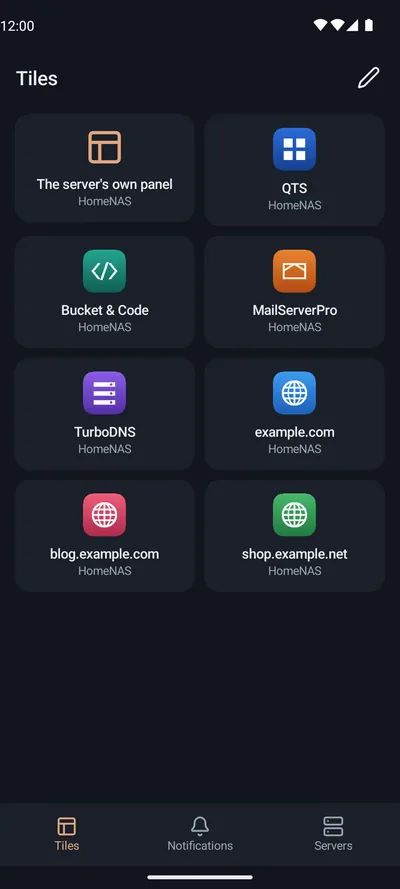
One grid holds the tiles of every WebPortico you paired: its panel, its sites and the NAS's apps.
WebPortico›Android
 RePortico
The sites that WebPortico serves on your NAS, and the NAS's apps, as tiles on your phone. A tap opens a site or an app.
The app is not published yet.
RePortico pairs with WebPortico on your QNAP NAS. It has two tabs: Tiles and Servers.
One grid holds the tiles of every WebPortico you paired: its panel, its sites and the NAS's apps.
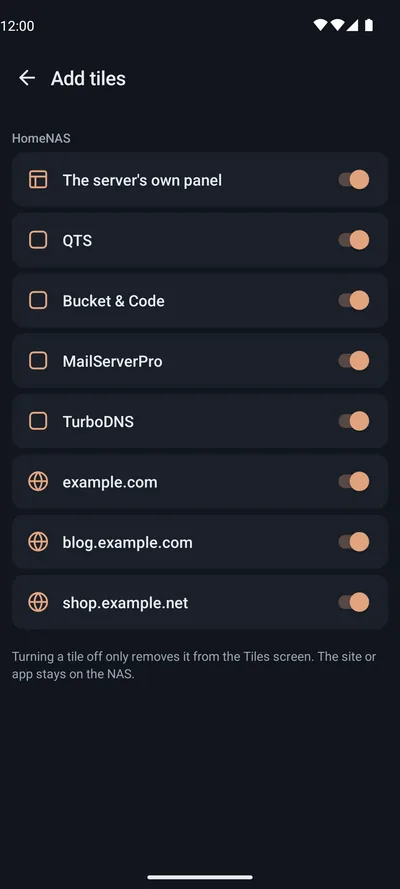
Edit lists each server's sites and apps with a switch for each. A switch takes effect at once.
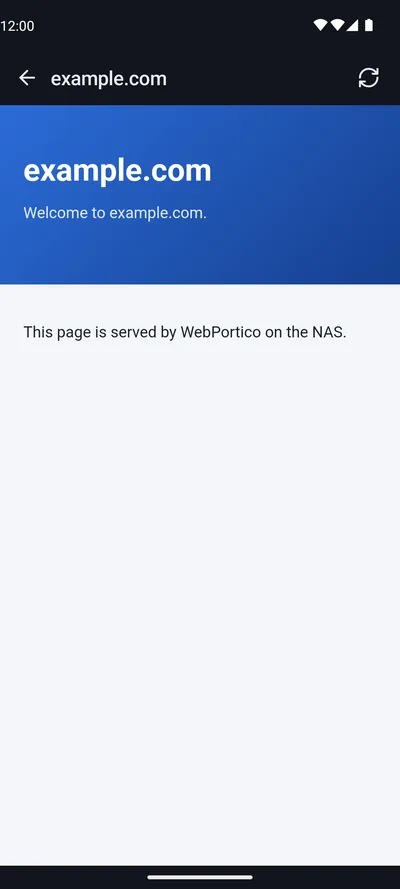
The site opens through WebPortico's phone port, signed in for that tile only.
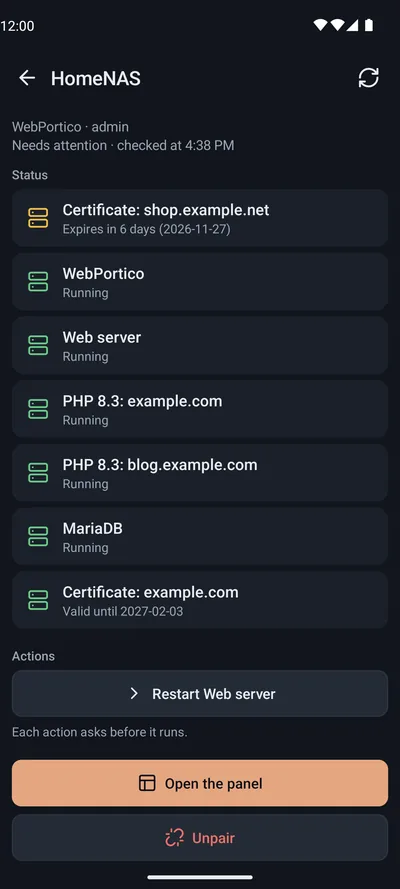
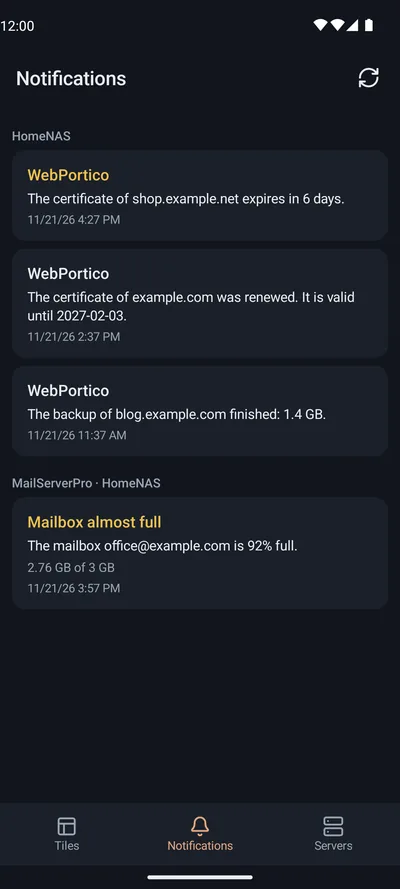
Errors come first, then WebPortico's actions, each after a confirmation.
On a computer on your home network, open the WebPortico panel at its own address and go to:
The page shows a QR code. The code works once, for 10 minutes.
Connect the phone to the same network as the NAS. In the app, tap “Add server”, then “Scan the QR code”.
Or type the address and the code. Under the QR code the page shows the address, the code and the certificate fingerprint. Type the address and the code in the app. Pair only if the app shows the same fingerprint.
On the Phone app page, under “Remote access”, turn on “Allow connections from outside the home network”. Forward the TCP port that the page names on your router. The app then connects through that port, which answers only paired phones.
Android 8.0 or newer. Tiles open through WebPortico's phone port, which needs Android 10 or newer. On Android 8 and 9 the app shows the status screen and the panel on your home network only.
WebPortico on a QNAP NAS, with the Phone app page in its panel.
RePortico is freeware by Silas, Mariusz Grzybacz. It is an independent project, not made or endorsed by QNAP or Google. QNAP is a trademark of QNAP Systems, Inc.
Android, Google Play and the Google Play logo are trademarks of Google LLC. The Android robot in the site's menu is reproduced or modified from work created and shared by Google and used according to the terms of the Creative Commons 3.0 Attribution License.