Rtorrent 16›Android
Rtorrent 16 for Android
Your NAS's Rtorrent 16 panel on the phone, plus .torrent files and magnet links.
Download the APKSHA-256 · .sha2567bf8a3e117ff63959ef01e1864c8f5cc6829102174a4d134676ff234395436f4
Install the APK
Download the APK
Keep the file if the browser asks.
Open the downloaded file
Unknown source: tap “Settings”, turn on “Allow from this source”, go back.
You can turn the switch off after the install.
Tap “Install”
Pair the phone with your NAS
In the Rtorrent 16 panel:
Then tap “Scan the QR code” in the app and point the camera at the code in the panel.
Google Play (test)
Google has cleared the app for closed testing. Join with the Google account your phone's Play Store uses.
- Join the testers' group(opens in a new tab)
- Sign up for the test(opens in a new tab)
- Install Rtorrent 16 from the Play Store.
Already running the APK from our site? The Google Play version carries the same signature, so it installs over it as an update and your phone stays paired with the NAS.
Stay in the test for at least 14 days: Google requires it before the public release.
What it does
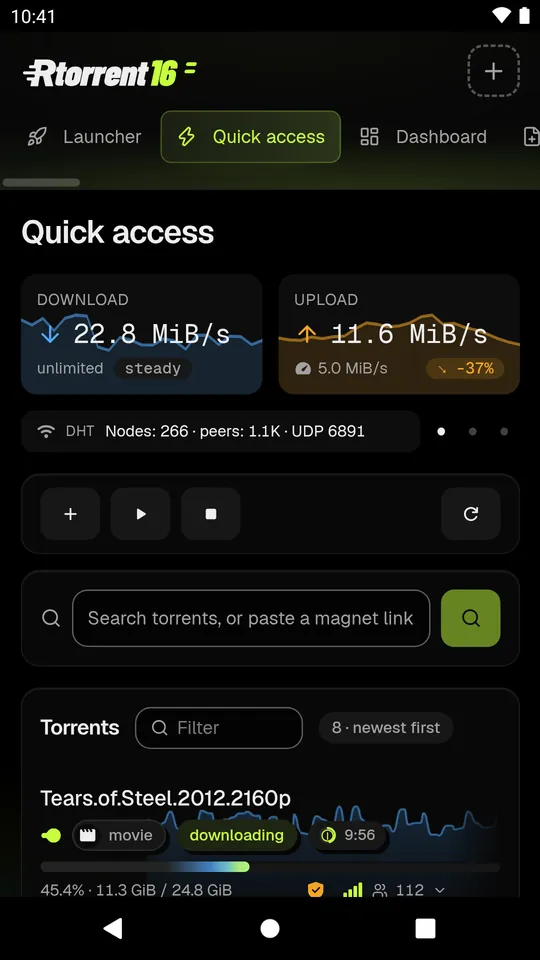
Rtorrent 16 for Android opens the Rtorrent 16 panel of your own NAS on your phone: Quick access, Dashboard, Search and every other page, signed in as the panel account that paired the phone.
- Pair once. Scan the QR code on the panel's Phone app page, or type the address and the code. The app remembers the NAS's certificate, so the panel's own self-signed certificate works at home and away, wherever the address answers.
- Send torrents to the NAS. Tap a downloaded .torrent file in Chrome or Edge, tap a magnet link, or share either from another app. With the panel open, it lands on the panel's Add page, where you see the category the NAS picks and press Add. With the panel closed, a file or a shared link goes straight to the NAS, and a notification says what was added and in which category.
- Notifications from the NAS: a download added or finished (with its poster when the NAS has one), an error, a disk almost full and the panel's other events. A download's notification has Pause and Open. With Google Play services they arrive at once; without them, the app checks the NAS about every 15 minutes.
- Revoke a phone in the panel and it is signed out at once.
Quick access 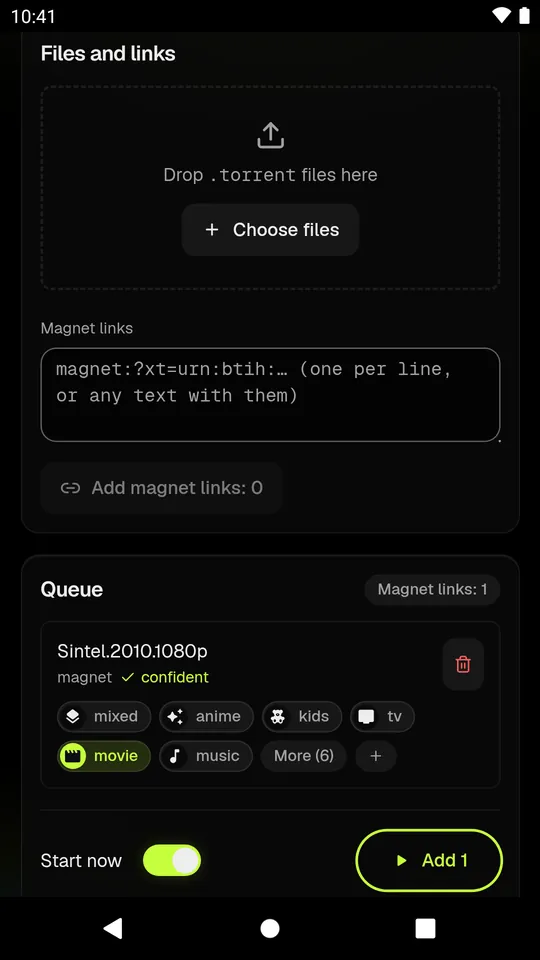
Add torrent 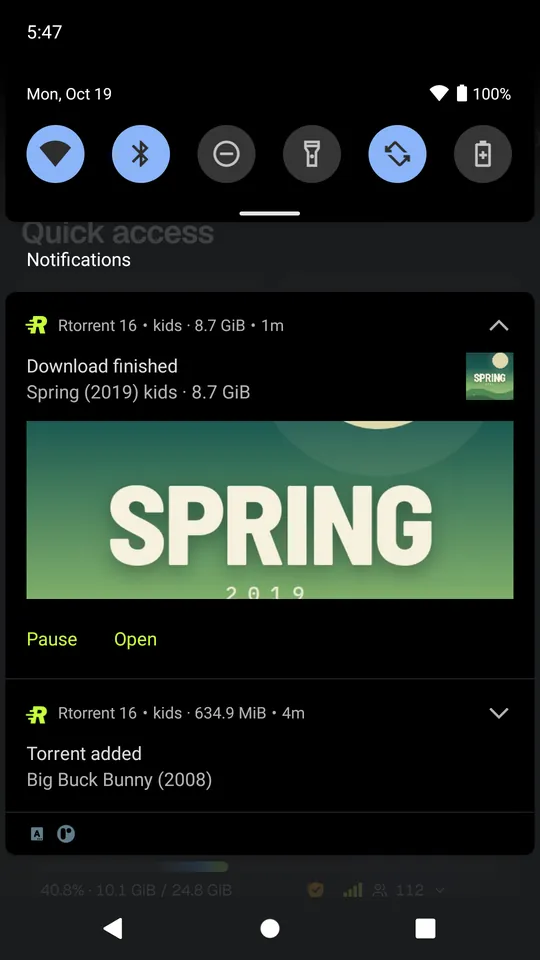
Notifications 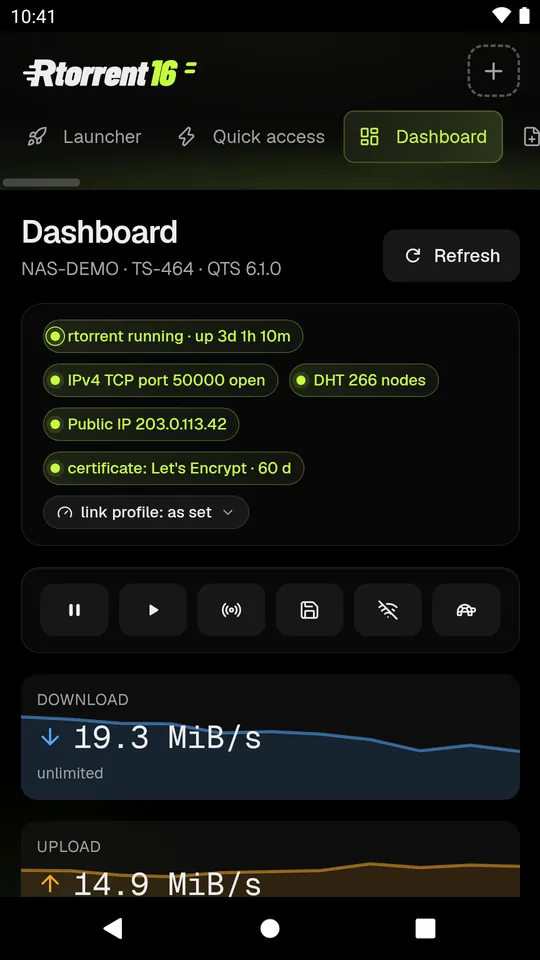
Dashboard
Requirements
The Rtorrent 16 package on a QNAP NAS with HTTPS on, build 332 or later. Android 8.0 or later.
Privacy
No account, no ads, no analytics, no crash reporting. Besides your NAS, the app talks only to our notification relay and to Google's Firebase Cloud Messaging. Your NAS encrypts each notification for your phone, so neither of them can read it.
Rtorrent 16 is freeware by Silas, Mariusz Grzybacz. It is an independent project, not made or endorsed by QNAP or Google; QNAP is a trademark of QNAP Systems, Inc.
Android and Google Play are trademarks of Google LLC. The Android robot in the site's menu is reproduced or modified from work created and shared by Google and used according to terms described in the Creative Commons 3.0 Attribution License.