How-to’s
StorageDiag Workbench & UtilitiesStep-by-step guides for a QNAP NAS
Step-by-step guides for diagnosing a QNAP NAS with StorageDiag Workbench & Utilities. Each one is checked against the Workbench’s code and shown with its real windows and recorded walkthroughs.
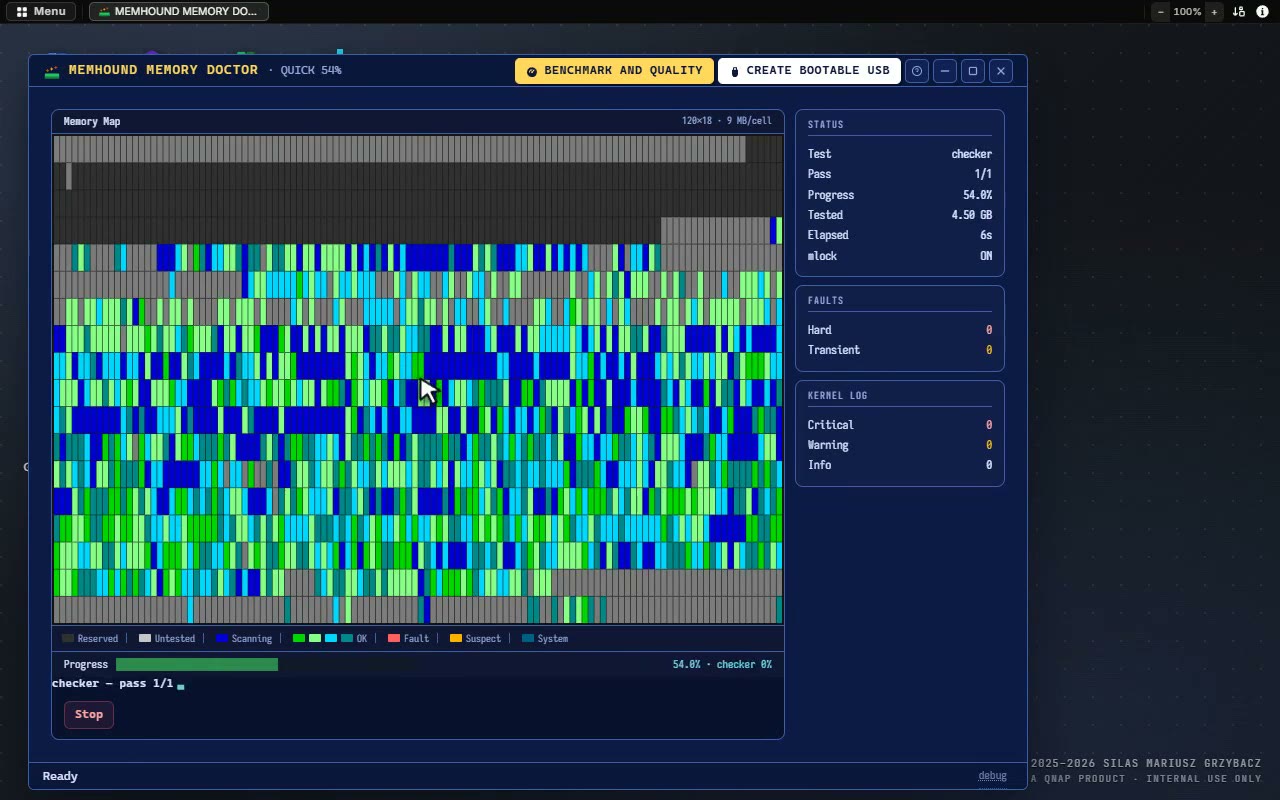 RAM test
How to properly test RAM on QNAP servers using MemHound
Quick on QTS, Deep on QuTS hero, the bootable pendrive that runs the whole test by itself, Rescue mode over SSH, and how to read the verdicts.
Read the RAM guide →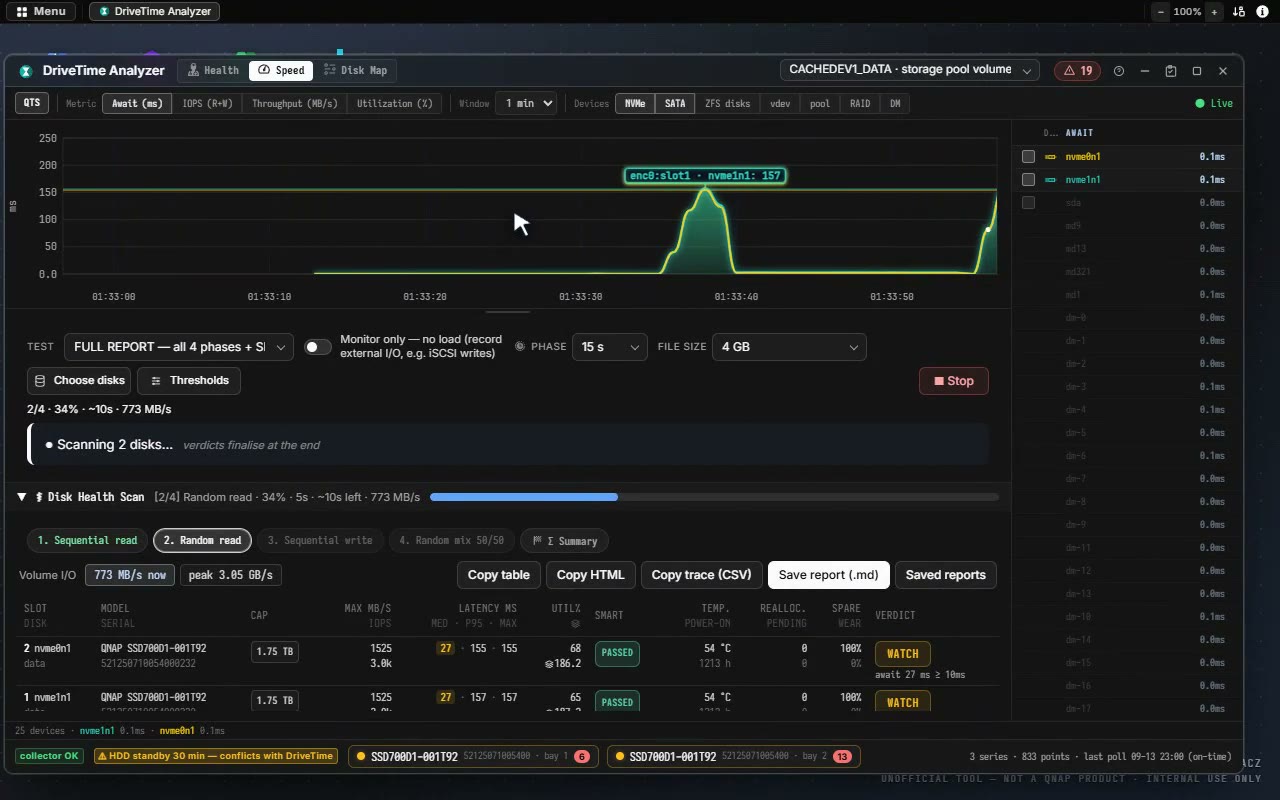 Volume performance test
Troubleshooting NAS performance: read and write speeds, step by step
Memory first, then the kernel log and Dr. Trace, SMART and the HCL, SMB or iSCSI, DriveTime’s disk scan and Disk Map, the network with NetScope, and an appendix on disks: classes, SMART and SSD cache.
Read the performance guide →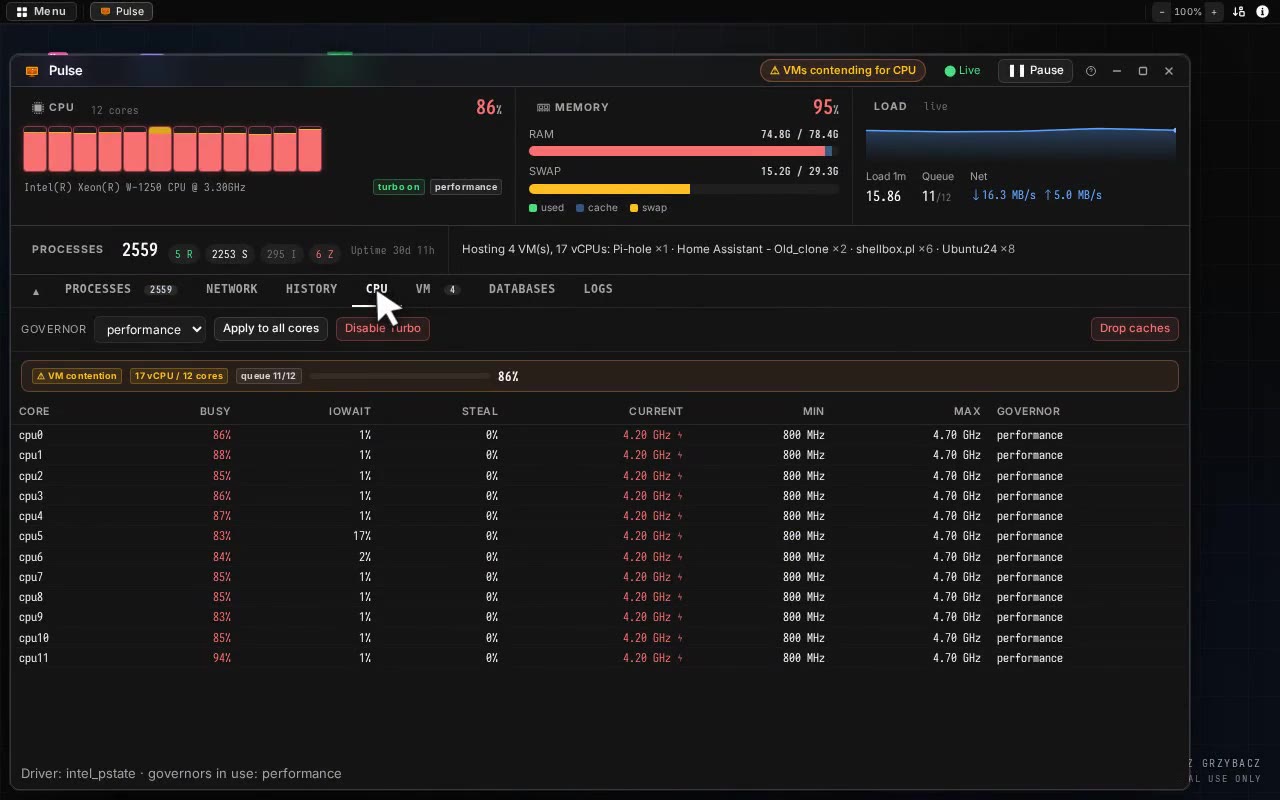 VM performance test
Hardware realities, resource limits and deep performance monitoring
What to expect from the hardware, a baseline by isolating services, processes in the D state, vCPUs against threads and oversubscription, the VMs in Pulse and BlackBox, heat, and the KVM CPU model.
Read the VM guide →