Mirror the author's Git, run the tests, build a QPKG: CI on your NAS
Forgejo on your NAS keeps a pull mirror of a program's repository. A separate packaging project builds the author's newest release every day, runs the author's tests and makes a QPKG of it, on the NAS's own runner. The example is fzy, a small fuzzy finder written in C (MIT license).
- ModulesGit, CI, the Editor
- Mirrorthe author's repository
- ProjectNew project, QPKG package
- Workflowfetch, test, build
- Runsdaily, on a push, by hand
The pictures come from the panel and Forgejo of Bucket & Code Server IDE with each
field filled in as this guide describes. The account is called ola.
01Before you start
- Git, CI and the Editor must be on. A module that is off has a button on its tile on the Overview and on its own page: Turn on Git, Turn on Editor, and Turn on Git and CI while Git is still off.
- QDK must be installed: on the Toolchains page, QNAP tab, install QNAP QDK 2.5.0.
- You need the Ubuntu 24.04 builder environment: Apps → Examples, or Create a Builder environment on the New app page. The workflow builds in it.
- The NAS needs internet access:
actions/checkoutandactions/upload-artifactcome fromdata.forgejo.org, and the mirror pulls from the author's server.
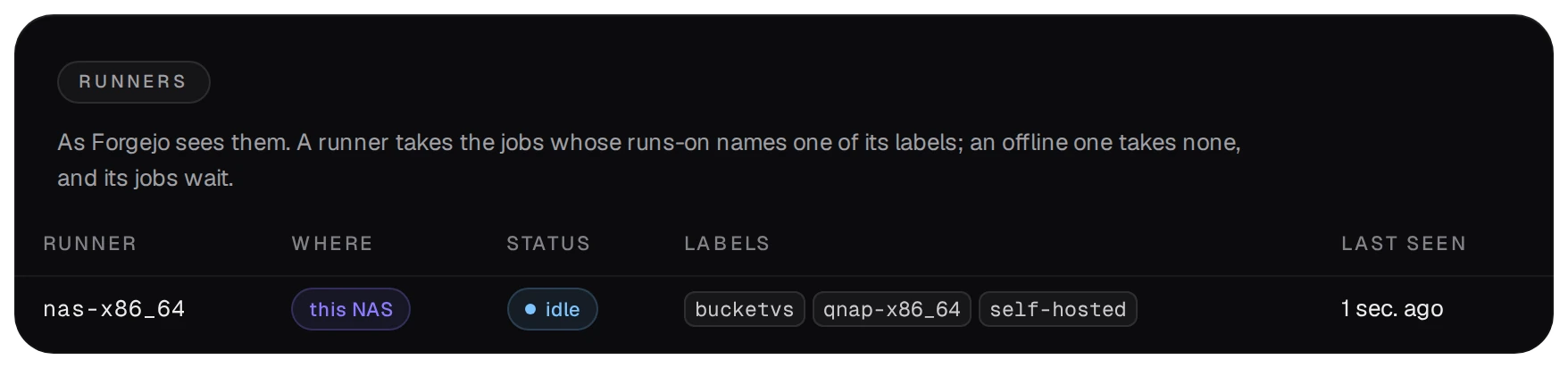
The runner on the NAS takes the jobs whose runs-on names one of its labels, such as
bucketvs. It runs every job on the NAS itself, as admin. Whoever can push a workflow into a
repository can therefore run commands as admin on the NAS: give push access only to people you would trust with the NAS's admin password.
02Mirror the author's repository
- In Forgejo (Open Forgejo on the Git page) press + → New migration → Git.
- Paste the address of the author's repository, here
https://github.com/jhawthorn/fzy.git, tick This repository will be a mirror, name it, for examplefzy-upstream, and press Migrate repository.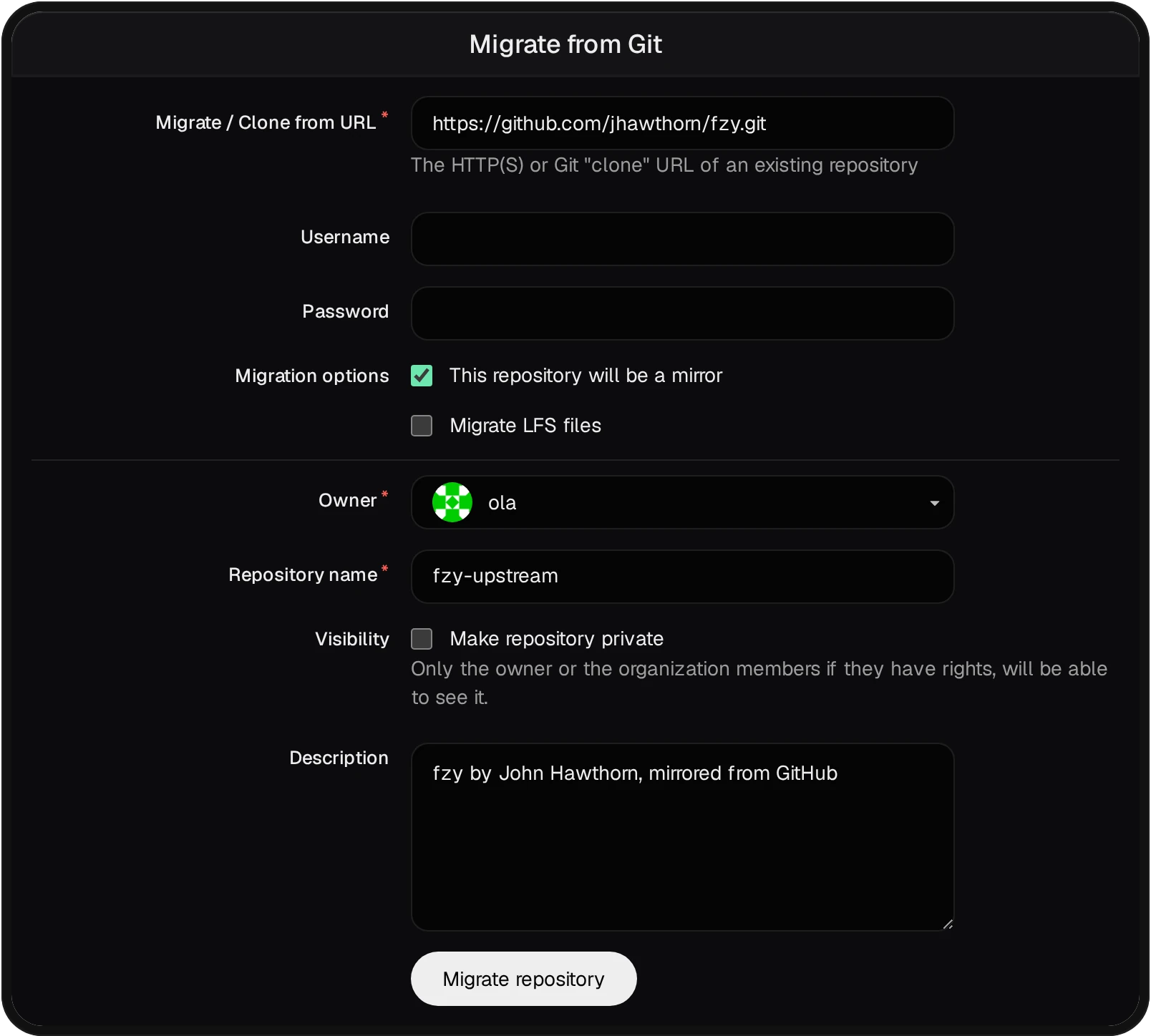
- The mirror pulls the author's commits and tags by itself. Its Settings show the
Mirror interval (8 hours unless you change it, 10 minutes at least) and Synchronize now.

A mirror refuses pushes, so your own workflow cannot go into it. A sync runs only the workflows that the
author's repository itself carries in .forgejo/workflows/, and fzy has none. The build therefore
lives in a repository of your own that reads the mirror.
03A packaging project of your own
Open New project from the Git page or the command palette (developer role). The guide Your own App Center walks through every step; for this example:
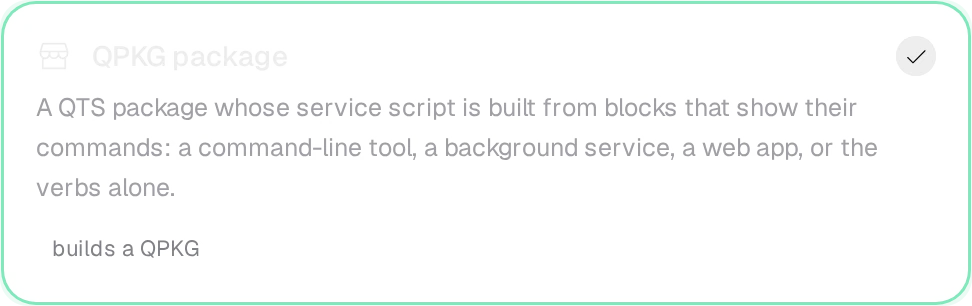
- Template: QPKG package.
- Name:
fzy. Service: Command-line tool, which links the program into/usr/binwhile the package runs.
- Build environment:
ubuntu2404-builder, the environment the workflow uses.
- Press Create project. The project gets its repository, the folder
projects/fzyand the template's workflow, which section 05 replaces.
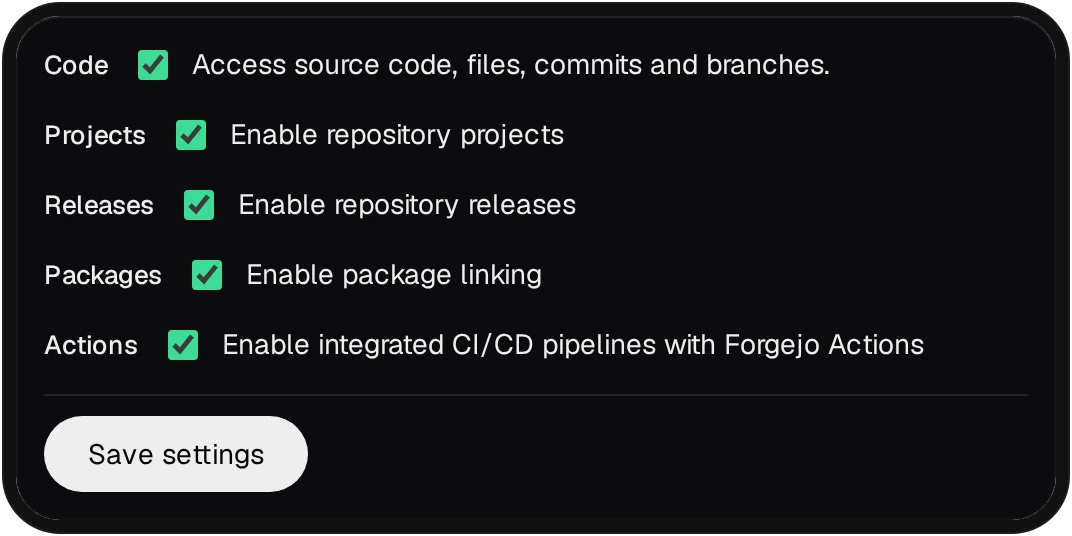
A repository made before CI was on has Forgejo's Actions switched off, and a pushed workflow starts nothing. Turn them on in the repository's Settings → Units; repositories made while CI is on have them on already.
04A read-only token for the mirror
The job clones the mirror over HTTPS. Unless the mirror is public and Public browsing is on, that clone needs a sign-in, and the workflow gives it a token that can only read.
- In Forgejo, Settings → Applications → Generate new token: a name such as
mirror-read, the permission repository: Read. Copy the token: Forgejo shows it once. - In the packaging repository, Settings → Actions → Secrets →
Add secret: the name
MIRROR_TOKENand the token as its value.
05The workflow
Put this file into the project as .forgejo/workflows/build.yml, in place of the template's, and
push it. It runs at every push, once a day and by hand.
# .forgejo/workflows/build.yml: fzy from the author's newest release, tested, as a QPKG
name: build
on:
  push:
  schedule:
    - cron: '30 4 * * *'
  workflow_dispatch:
jobs:
  build:
    runs-on: bucketvs
    steps:
      - uses: actions/checkout@v4
      - name: The author's newest release, from the mirror
        run: |
          git -c http.extraHeader="Authorization: token $MIRROR_TOKEN" clone --quiet \
            "${{ github.server_url }}/${{ github.repository_owner }}/fzy-upstream.git" upstream
          tag=$(git -C upstream describe --tags --abbrev=0)
          git -C upstream checkout --quiet "$tag"
          echo "VERSION=${tag#v}" >> "$GITHUB_ENV"
        env:
          MIRROR_TOKEN: ${{ secrets.MIRROR_TOKEN }}
      - name: Build and run the author's tests
        run: |
          bvs env run ubuntu2404-builder -- make -C upstream
          bvs env run ubuntu2404-builder -- make -C upstream check
      - name: Put the program into the package
        run: |
          rm -f shared/bin/fzy
          install -D -m 755 upstream/fzy x86_64/bin/fzy
          sed -i "s/^QPKG_VER=.*/QPKG_VER=\"$VERSION\"/" qpkg.cfg
      - name: Build the QPKG
        run: bvs qbuild
      - uses: actions/upload-artifact@v3
        with:
          name: fzy-qpkg
          path: build/*.qpkg
      - name: Publish into this NAS's App Center repository
        run: |
          for f in build/*.qpkg; do
            if out=$(bvs repo publish "$f" --arch x86_64 --latest 2>&1); then
              echo "$out"
            elif printf '%s' "$out" | grep -q 'carries no code signature'; then
              echo "::warning::$f is built but not published: it carries no code signature"
            else
              echo "$out" >&2
              exit 1
            fi
          done
- The second step takes the newest tag of the mirror, so the package follows the author's releases, and its
version becomes the package's (
QPKG_VER). bvs env run ubuntu2404-builder -- …builds and tests inside the environment, with its compiler and libraries. A failing test fails the run, and nothing is packed.bvs qbuildbuilds the package inbuild/. The run keeps it as an artifact.- The last step publishes into the NAS's App Center repository, which takes code-signed packages only. Without a certificate the run ends with a warning and the package stays an artifact. The guide Your own App Center shows the two steps that sign every build.
06Runs, tests and the package
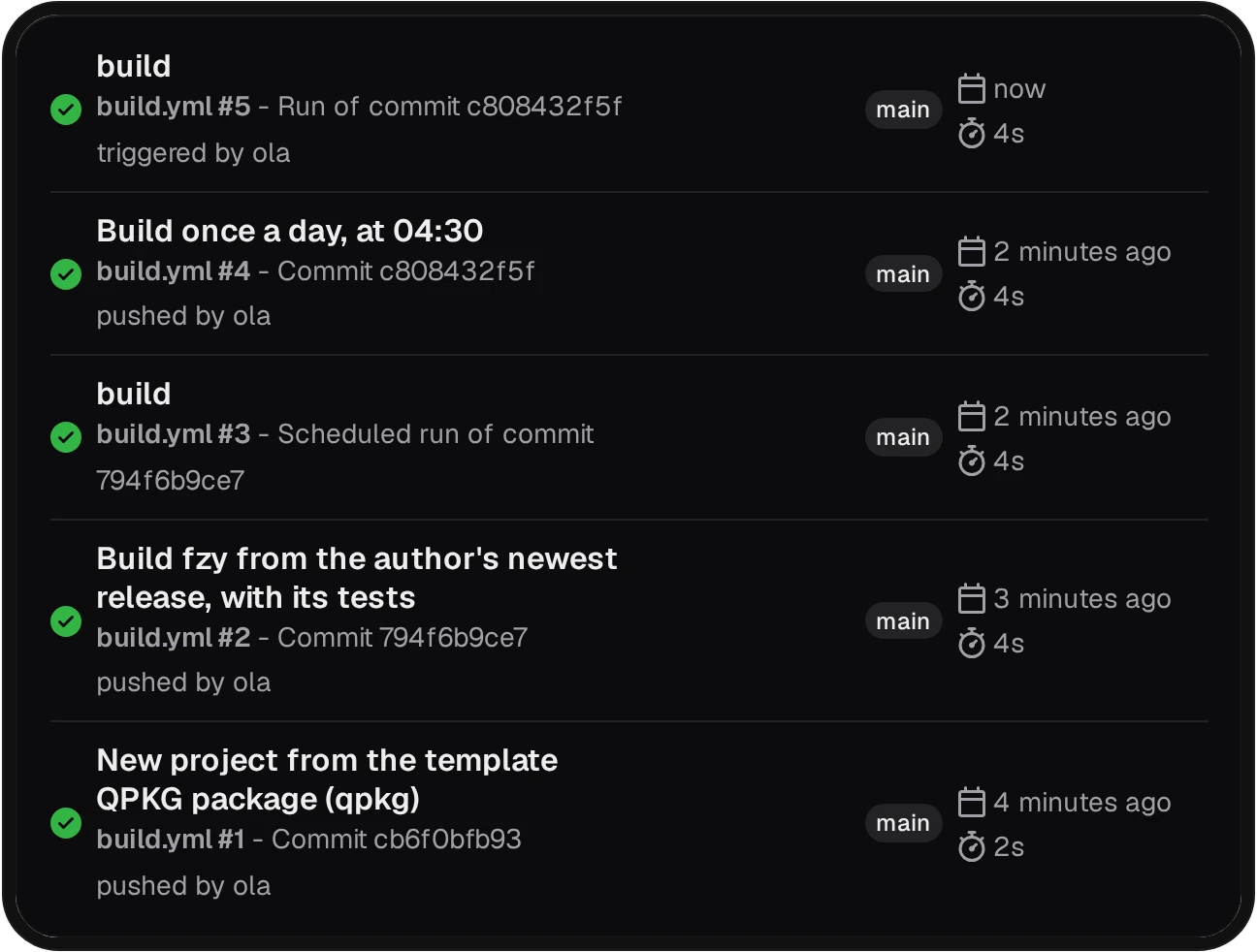
The repository's Actions tab lists every run with what started it: a push, the schedule, or a person.
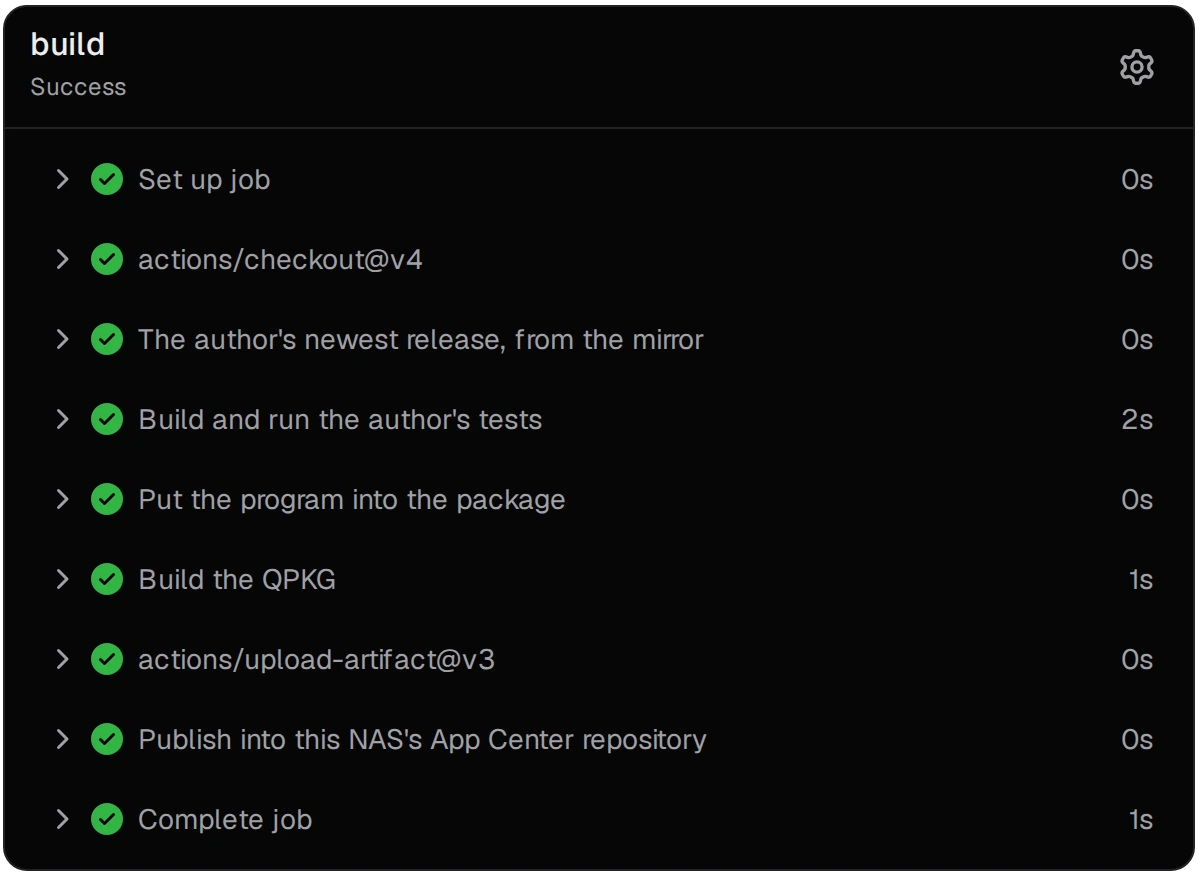
A run shows each step with its time. The step with the tests prints the author's own results.
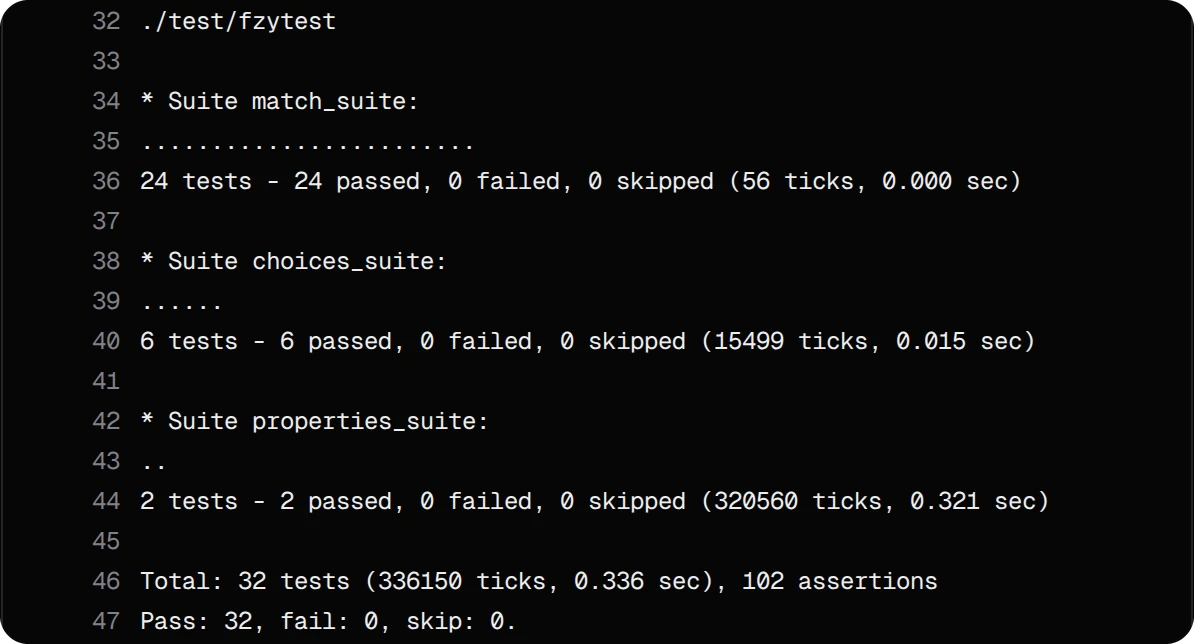
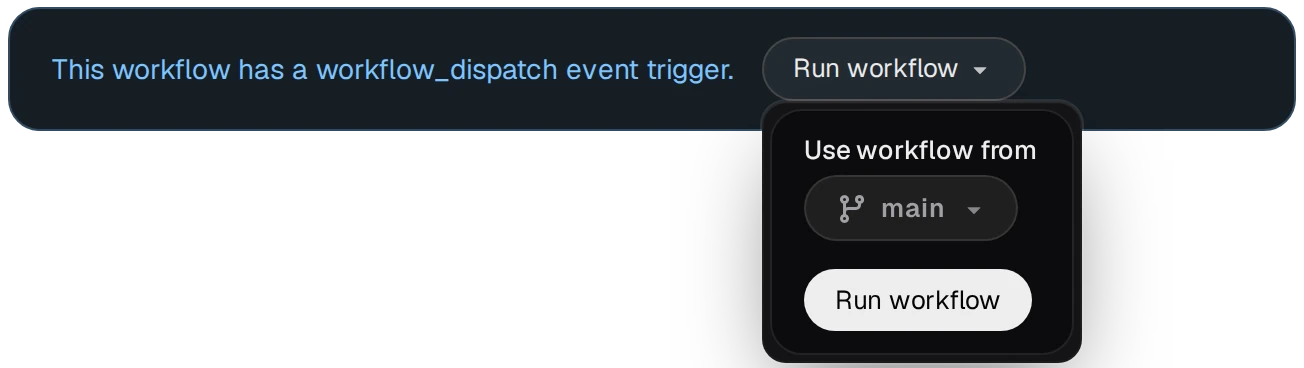
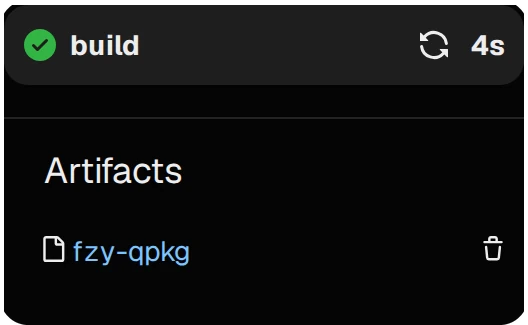
Run workflow starts it by hand, for example right after the mirror's Synchronize now. The package is under Artifacts on the run's page.