Accounts, two-factor authentication and API tokens
Bucket & Code Server IDE has accounts of its own: one account signs in to the panel, Git, SVN, Bucket and the editor with the same name and password, and QTS accounts do not sign in. This guide sets up two-factor authentication, the passwords that git and WebDAV clients use with it, API tokens for scripts, and what to do after too many wrong passwords.
- Rolesviewer, developer, admin
- 2FAa code from your phone
- Clientsaccess token, app password
- Tokensfor scripts and CI
- Locksand the way back
The pictures come from the panel with each field filled in as this guide describes.
The developer is called ola and the admin ewa; the QR code is blurred, and the key, the app password and the token are samples. The pictures of two-factor authentication and of the app password come from the panel’s test data.
01Roles
| Role | What it may do |
|---|---|
| viewer | reads the panel; the Backups, Storage, Users and Logs pages are for admins |
| developer | also opens the editor, builds apps, runs its own cron jobs and publishes packages to the NAS's repository |
| admin | everything: accounts, settings, storage, network, modules, activating apps, loading kernel modules |
The developer role is root on the NAS: the editor's terminal, a developer's cron commands and the CI workflows of the repositories it can push to all run as root. Give it only to people you would give the NAS's admin password, and turn on two-factor authentication for every developer and admin before anything is published on the internet.
02Turn on two-factor authentication
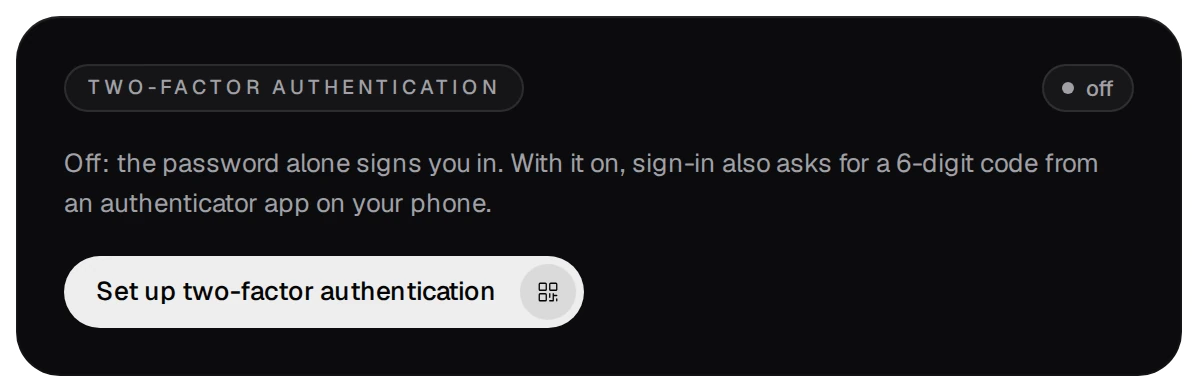
Each account turns it on for itself, under Your account (the button at the bottom of the activity bar).
- Press Set up two-factor authentication.
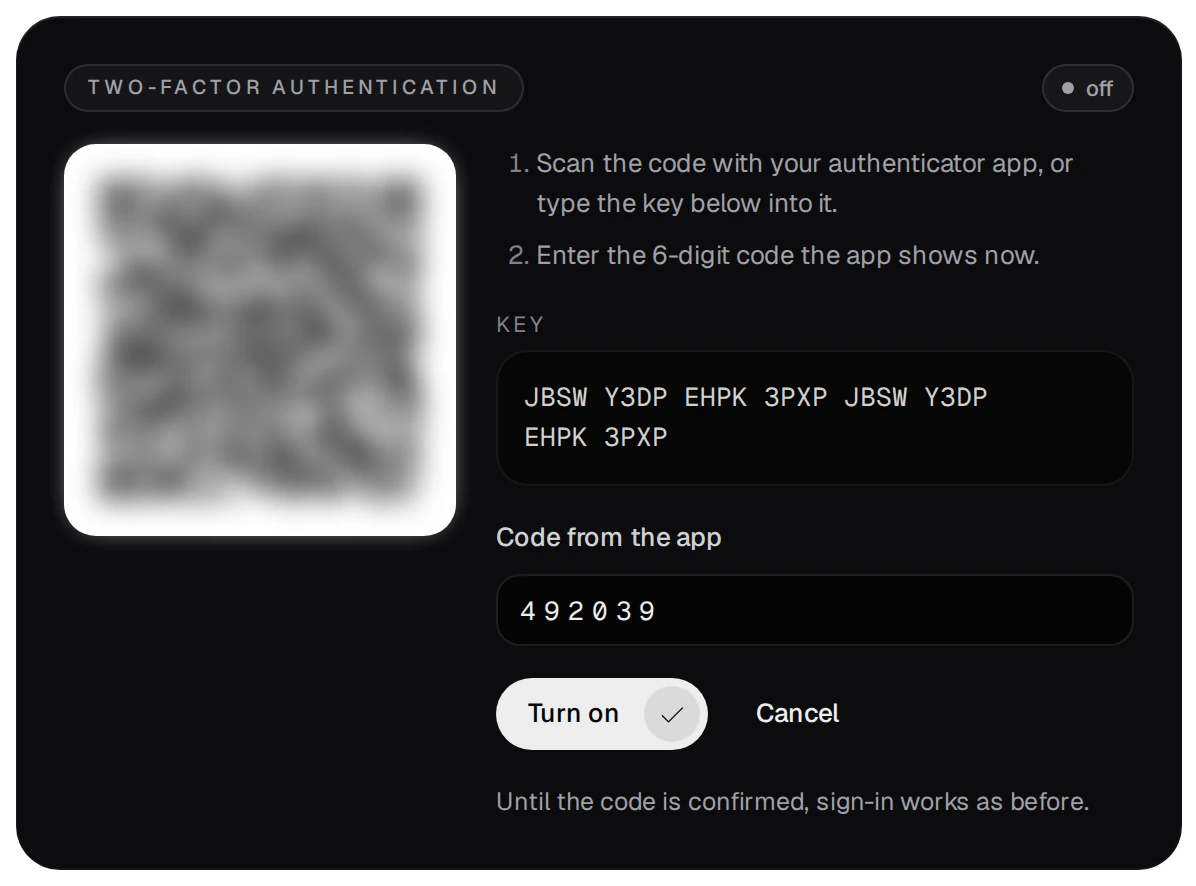
- Scan the QR code with an authenticator app on your phone, or type the key into it. Enter the 6-digit code
the app shows now and press Turn on. Until the code is confirmed, sign-in works as before.
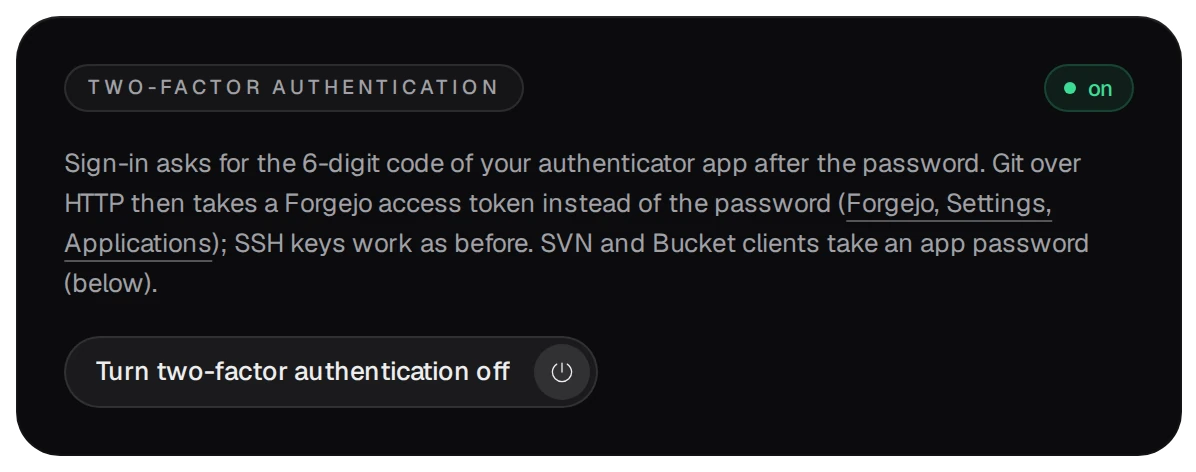
- From now on the sign-in asks for a code after the password.
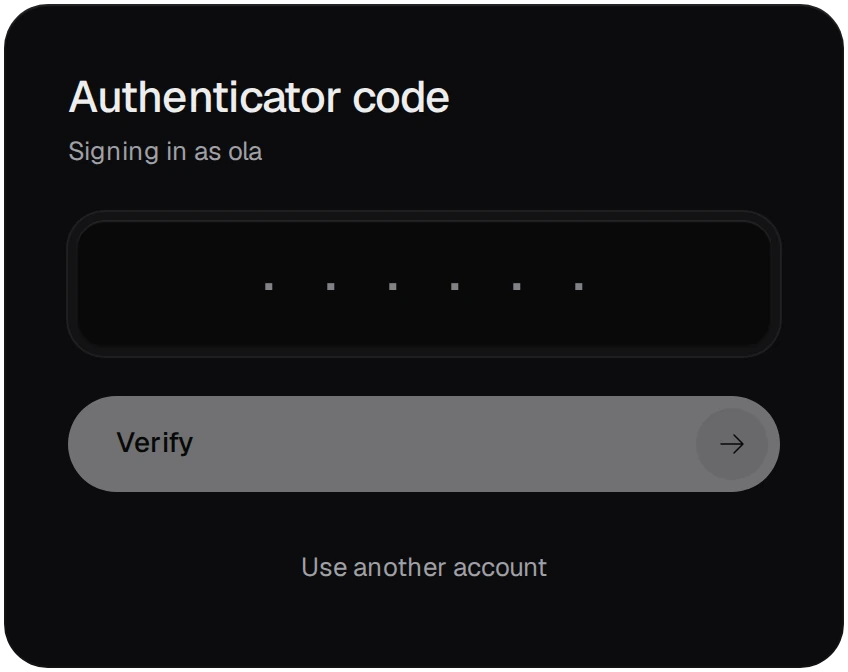
- A code has 6 digits and changes every 30 seconds. A code 30 seconds early or late still counts, and the same code is never taken twice.
- If a fresh code fails, the phone's clock is probably off: set it to automatic time.
- Turning two-factor authentication off needs your password.
03Git, SVN and Bucket with two-factor authentication
With two-factor authentication on, git, SVN and WebDAV clients no longer take your account password. They take these instead:
- Git over HTTP or HTTPS: a Forgejo access token, made in Forgejo under Settings → Applications. SSH keys work as before.
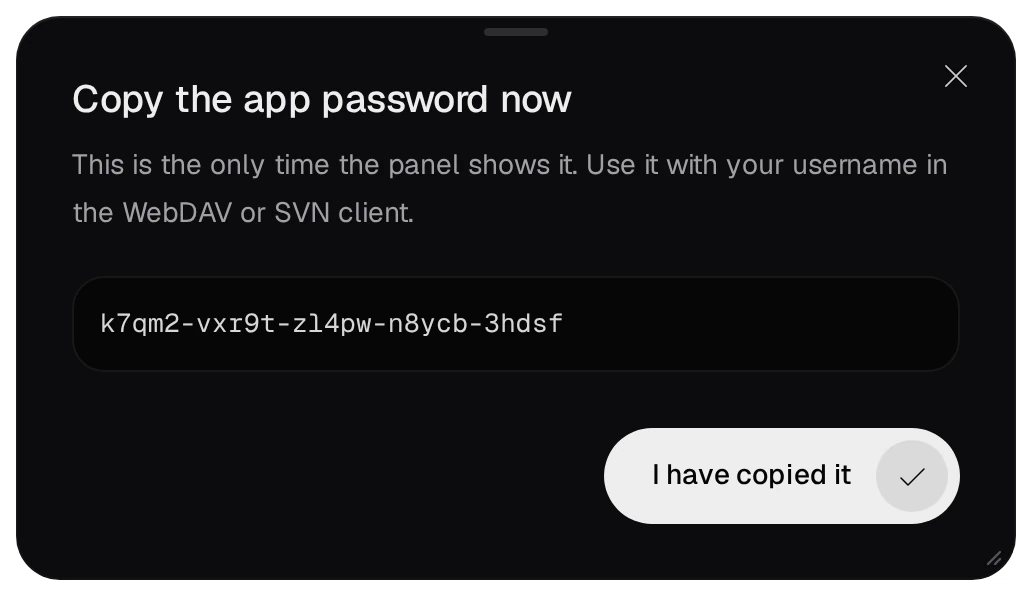
- SVN and WebDAV clients: an app password, made under Your account. It is 25 random
characters in five groups, shown once. A new one replaces the old, and changing your password or turning
two-factor authentication off removes it.

04API tokens for scripts and CI
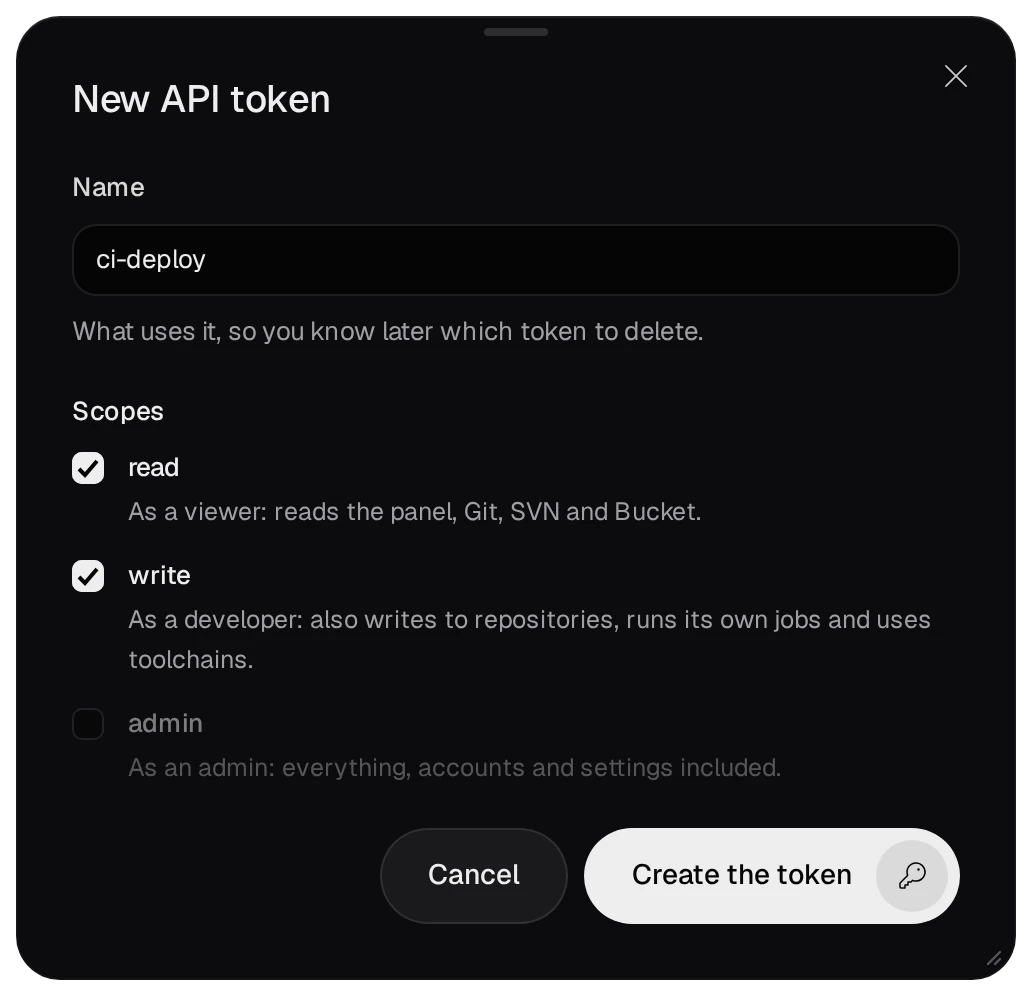
A script or a CI job uses an API token instead of a password. Under Your account press New token, give it a name that says what uses it, and pick its scopes.
- The scopes
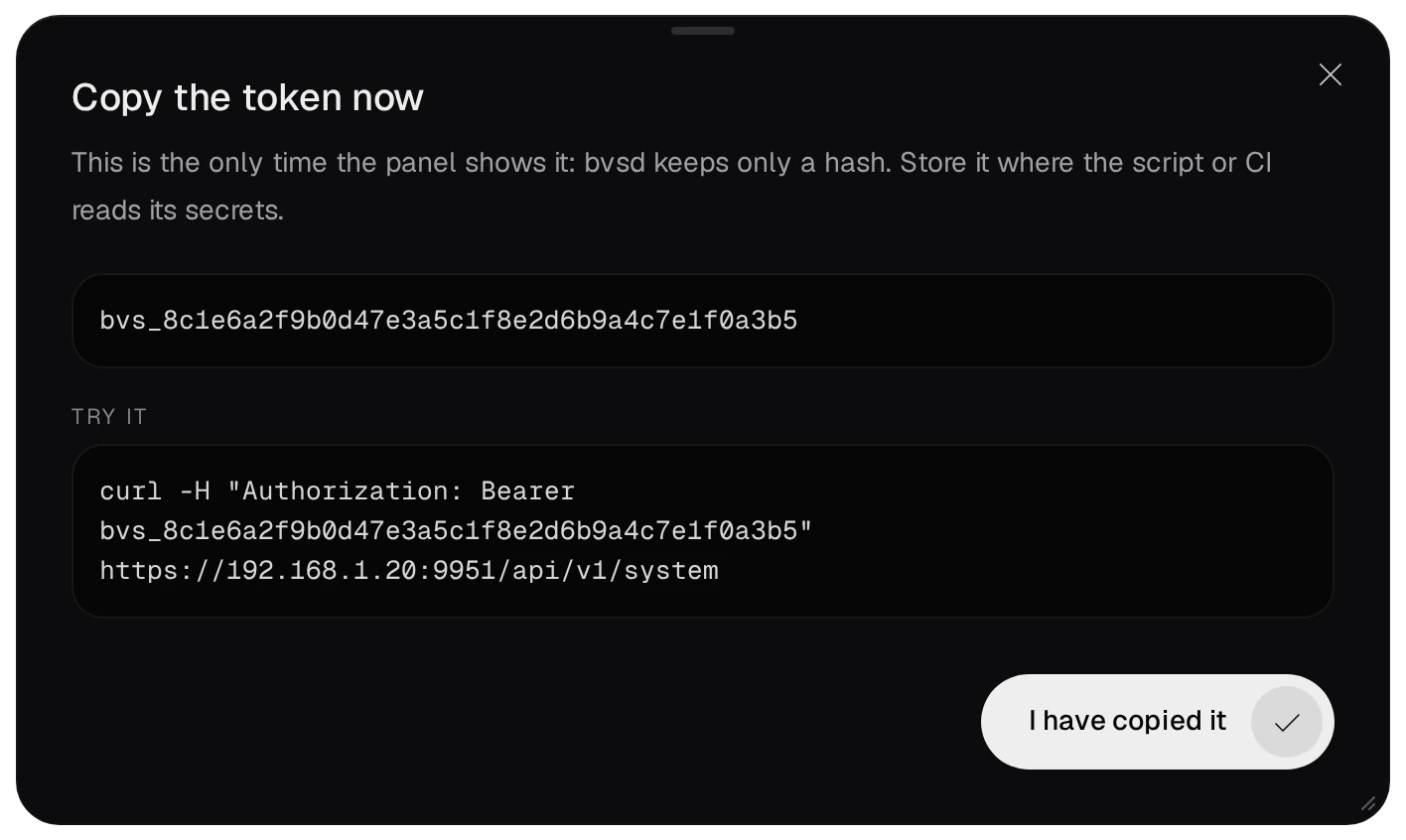
read,writeandadminstand for the roles viewer, developer and admin. A token acts with its highest scope, and never above its owner's current role. - The token is shown once; bvsd keeps only its hash. A script sends it as
Authorization: Bearer bvs_…. - A new password revokes all of the owner's tokens, and a disabled owner's tokens stop working.
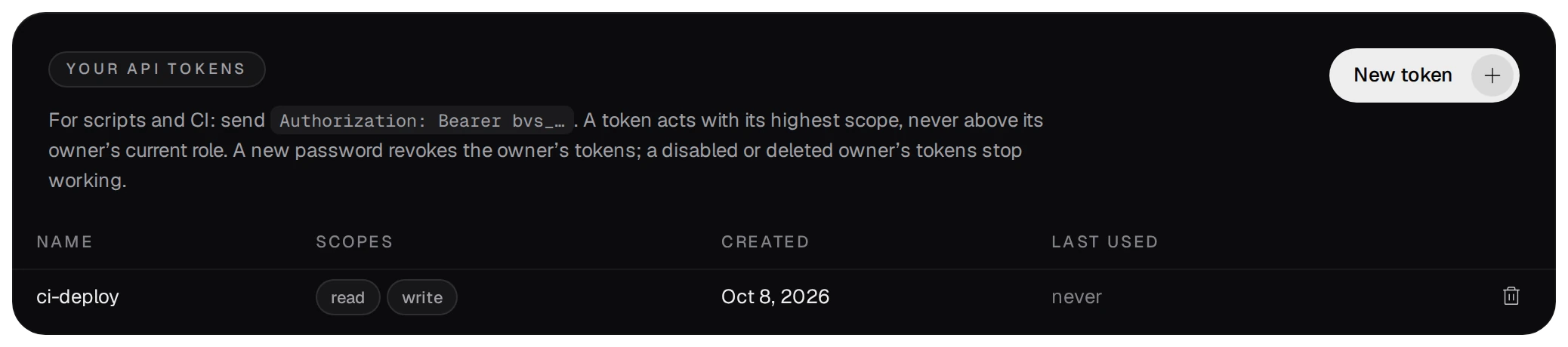
- A token cannot change a password or two-factor authentication, and cannot make or delete tokens, so a leaked token cannot lock its owner out. Delete a token you no longer use: whatever still sends it gets 401.
05Wrong passwords and locks
- Five failed sign-ins within 15 minutes from one address lock that address for 15 minutes, even with the right password. An IPv6 client counts as its /64 network.
- Five failures for one account from one address lock that account from that address for 15 minutes.
- Failures for one account from many addresses slow its next sign-ins down, from 125 ms up to 2 seconds. From the local network they never lock it.
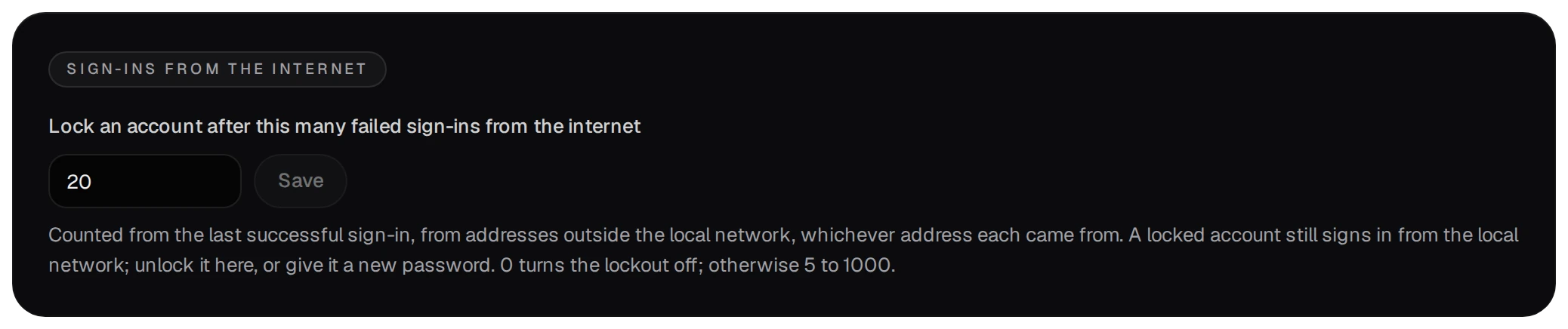
- From the internet, 20 failed sign-ins for one account since its last successful one lock it there,
whichever addresses they came from. The account still signs in from the local network. The number is set on
the Users page; 0 turns this lock off.
Behind a reverse proxy the panel counts the address the proxy reports only when that proxy is set as trusted; otherwise every client counts as the proxy's own address, and five wrong passwords from anyone lock everyone out.
06What an admin can do
On the Users page an admin opens an account by its row.
- A lost phone: Turn it off under Two-factor authentication. The password alone then signs in, until the
account sets it up again.

- An account locked from the internet: Unlock, or a new password.
- Set a new password ends the account's sessions and revokes its API tokens.
- Disabling an account ends its sessions at once and stops its tokens; its data stays. The last enabled admin cannot be demoted, disabled or deleted.
- A disabled account's cron jobs, and those of an account given the viewer role, stay but do not run; deleting an account deletes its jobs (version 1.0.0-52 and later, Scheduled jobs).
07When the admin is locked out
The NAS's admin resets any account from an SSH session on the NAS. These commands talk to bvsd over a socket
only root can open, and each is written to log/audit.log in the data folder:
/usr/bin/bucketvs/bin/bvs user list
/usr/bin/bucketvs/bin/bvs user password administrator
/usr/bin/bucketvs/bin/bvs user totp-reset administrator
/usr/bin/bucketvs/bin/bvs user unlock administrator
bvs user passwordsets a new random password of 20 characters and prints it; the account must choose its own at the next sign-in, its sessions end and its API tokens are revoked.bvs user totp-resetturns two-factor authentication off for the account.bvs user unlockends the lock after too many wrong passwords from the internet.