MailServerPro: a mail server for your QNAP NAS
MailServerPro runs the mail of your own domains on a QNAP NAS: it sends and receives mail, filters spam, gives every mailbox webmail, calendars and contacts, and has an admin panel for domains and mailboxes. It is free and installs from this site's App Center repository.
- Runs on a QNAP NAS with an Intel or AMD processor (x86_64), on QTS 6.0 or QuTS hero 6.0 or newer.
- Installs from App Center as (example) MailServerPro, from the QNAP Utilities repository.
- Admin panel:
https://<NAS>:9581/admin/; webmail:https://<NAS>:9581/. - Built from source with the App Builder of Bucket & Code Server IDE.
01What it is
MailServerPro is a mail server for a QNAP NAS: Postfix for SMTP; Dovecot with Sieve for IMAP, POP3 and LMTP; Rspamd with Valkey as its store, ClamAV and fail2ban against spam, viruses and password guessing; Roundcube for webmail; CalDAV and CardDAV for calendars and contacts; Z-Push for Exchange ActiveSync; and CryptPad as a web office. An admin panel in nine languages manages domains, mailboxes, aliases, DKIM keys, DNS records, the queue, the logs and the backups. ClamAV stays off until the settings switch it on.
02Screens
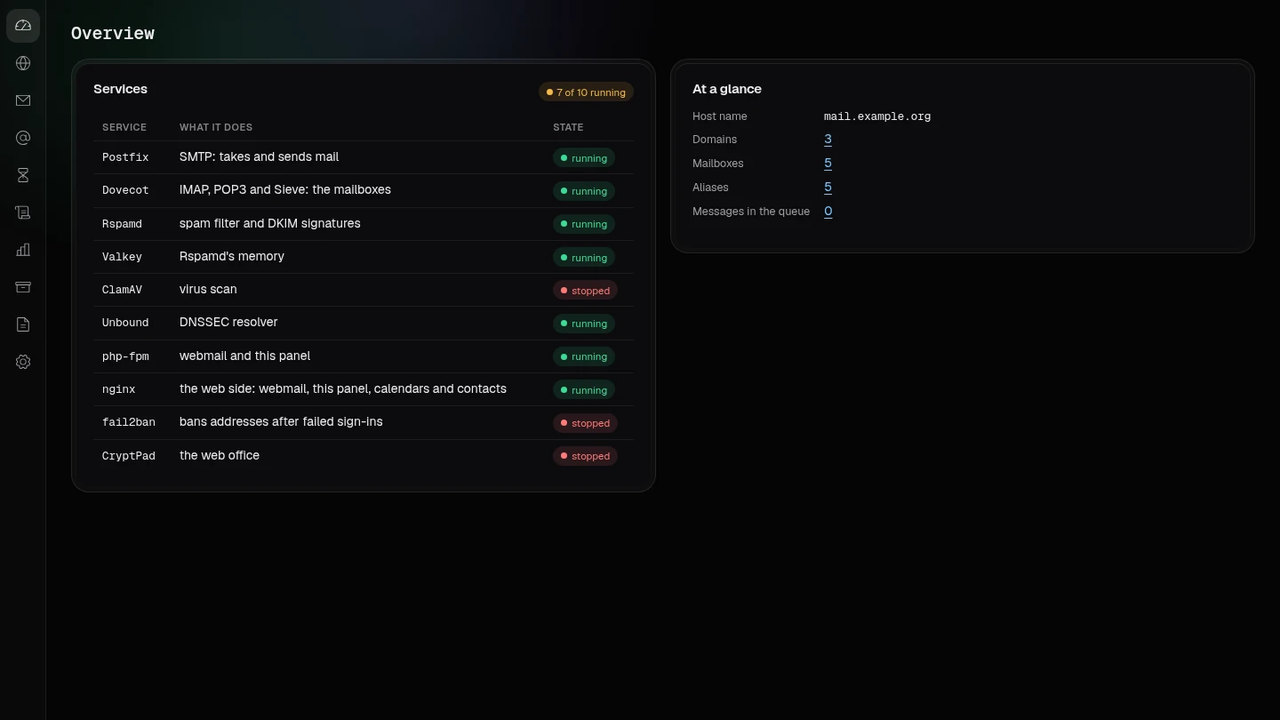
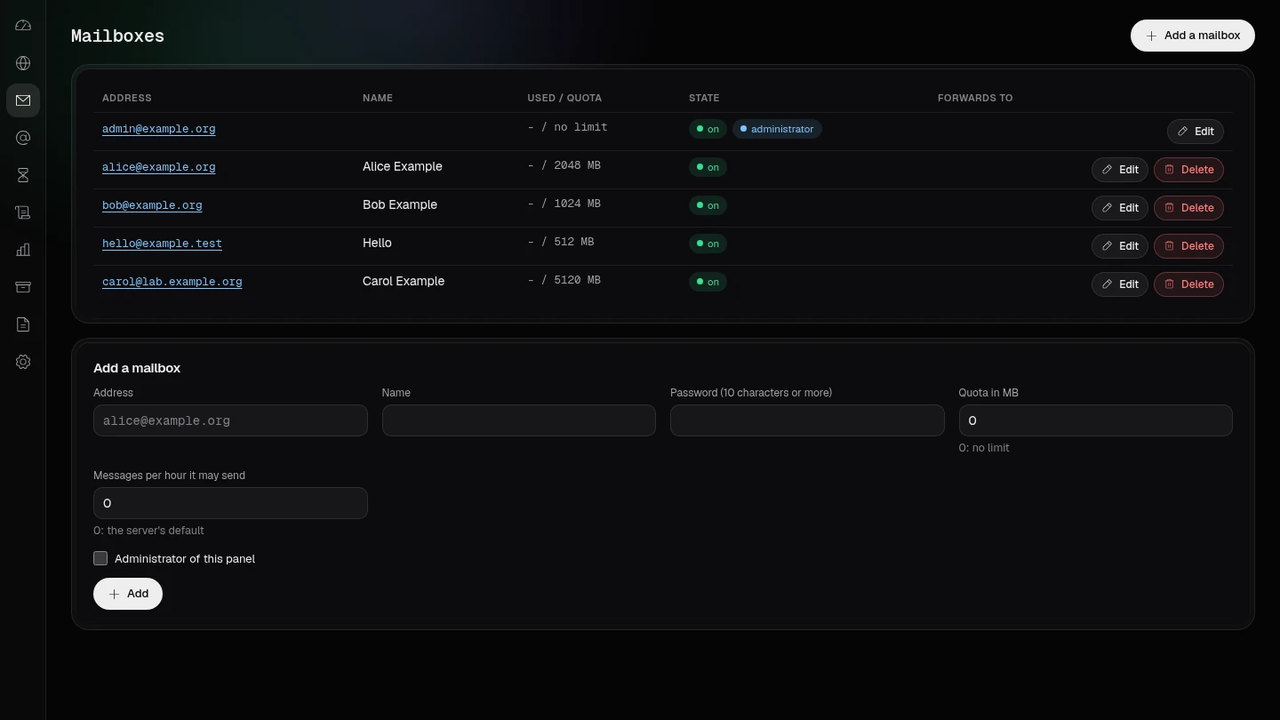
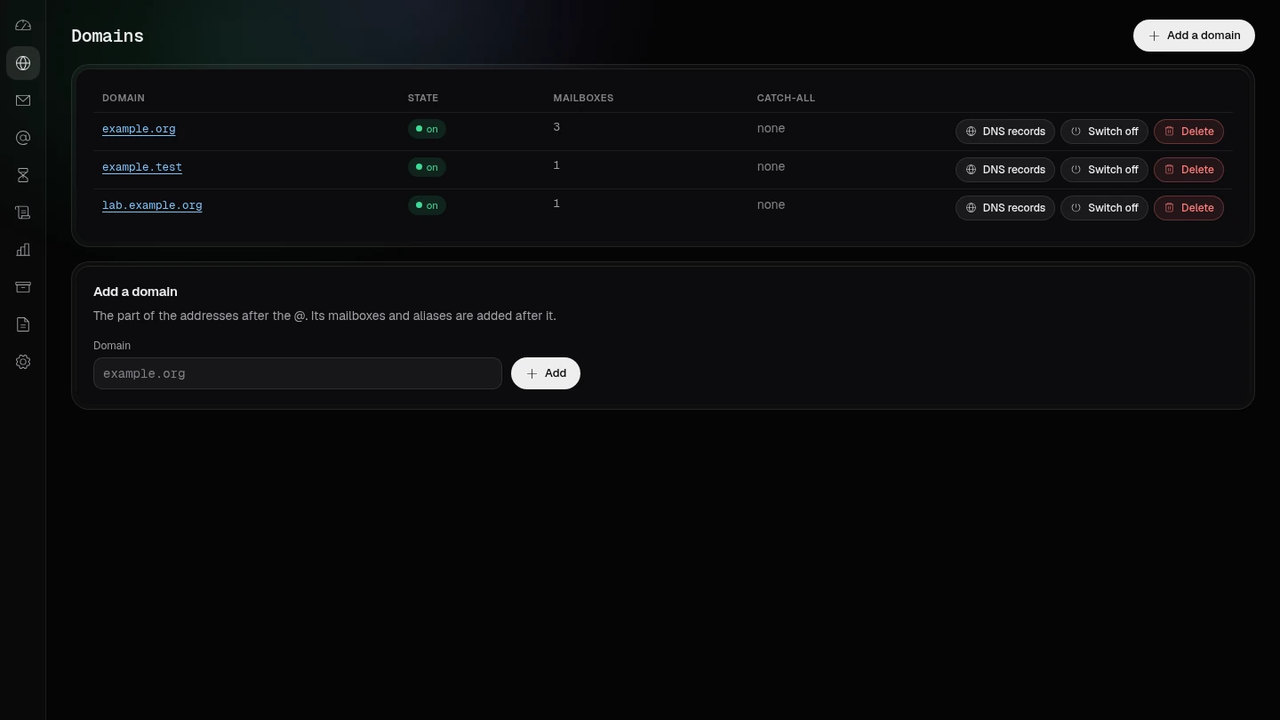
03First start
App Center’s Open leads to the admin panel, https://<NAS>:9581/admin/; the
plain-HTTP port 9580 redirects there. On a new install the panel has no administrator yet and shows
First administrator: an address on your first domain and a password of at least 10 characters, typed
twice. The package sets no password and generates none; the password is set in that form and nowhere else.
The form is shown only to a computer on the NAS’s own network (a private or loopback address); from
anywhere else the panel says so and shows no form. The administrator is a mailbox too and signs in to webmail at
https://<NAS>:9581/ with the same password. Calendars and contacts are under
/dav/ on the same address.
04The admin panel
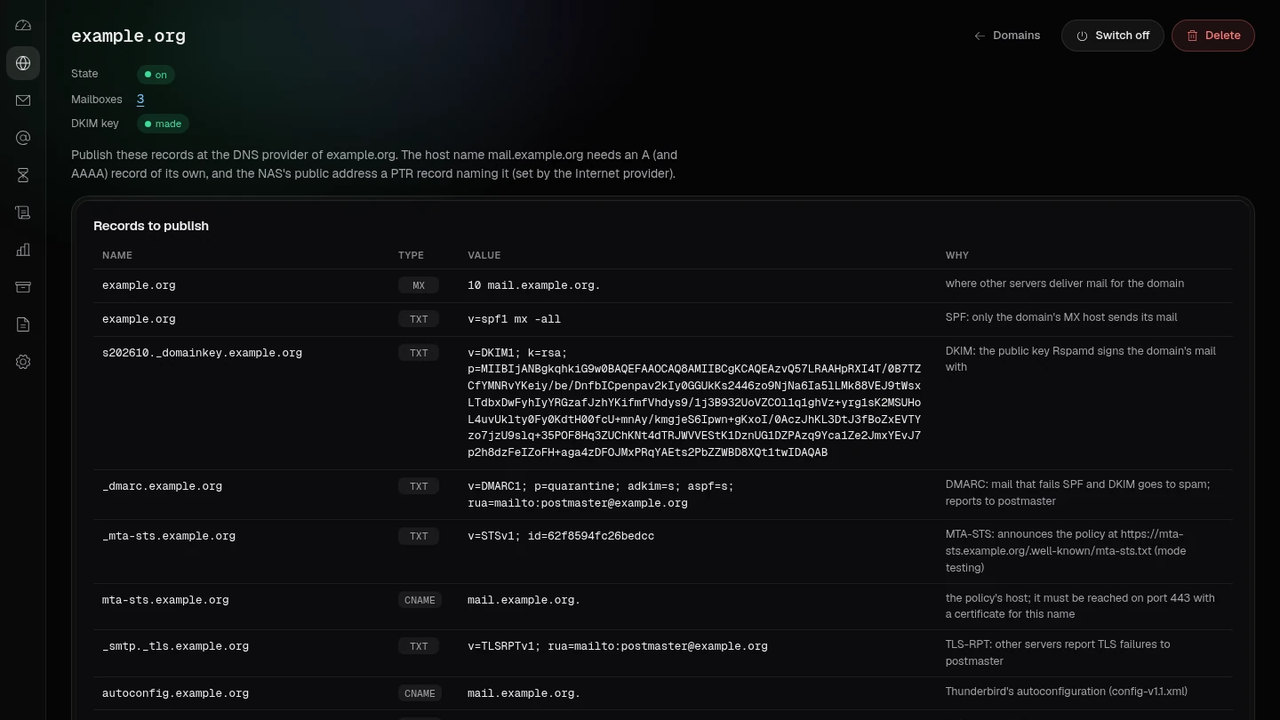
It speaks English, Polish, German, French, Italian, Dutch, Swedish, Japanese and Traditional Chinese: until a language is picked in its status bar, it takes the first of the browser’s languages it has, else English. Its theme is dark, light or the system’s. Each domain has a page of its own, with its DNS records, its DKIM key, its catch-all, its switch and its deletion. A domain or a mailbox is deleted only after its name is typed.
Settings are lists and number fields. A value that mailctl’s own check refuses is left as it was, with a notice naming the field, and the other fields are saved.
05With the other apps on the NAS
A domain’s page lists the DNS records to publish: MX, SPF, DKIM, DMARC, MTA-STS, TLS-RPT, autoconfig and
SRV records, and the certificate’s TLSA record. For TurboDNS, MailServerPro.sh dns-records DOMAIN
prints the records the mail server owns (DKIM, MTA-STS, TLS-RPT and TLSA) as JSON in the shape TurboDNS takes;
WebHostPro’s DNS dialog reads them and sends them on. The MX, SPF, DMARC and SRV records come from
TurboDNS’s hosting template. The server must be running.
06Installation
Recommended — from App Center. Add this site’s repository once; after that the package installs and updates from App Center like any other app.
- App Center → ⚙ Settings → App Repository → Add.
- Name it
QNAP Utilities, pastehttps://www.qnaputilities.com/repo.xml, Add. - Open QNAP Utilities in the left rail and install (example) MailServerPro.
07What it needs
A QNAP NAS with an x86_64 processor (Intel or AMD) on QTS 6.0 or QuTS hero 6.0 or newer.
The server listens on the standard mail ports (25, 587, 465, 143, 993, 110, 995 and 4190) and on 9580 to 9583
for the web side; QTS keeps 80 and 443. Other servers fetch MTA-STS policies from
https://mta-sts.<domain>/ and mail programs fetch Thunderbird’s autoconfiguration from
https://autoconfig.<domain>/, both on port 443: forward that port to 9581 on the router, or send
those names to https://127.0.0.1:9581 with a WebHostPro proxy site or QTS’s reverse proxy.
The web office is at https://<HOSTNAME>:9582/, where HOSTNAME is the host name
in Settings; it must resolve to the NAS. Registration is closed until the administrator opens it on the
panel’s Office page. With the self-signed certificate a browser must accept it once on 9582 and once on 9583,
or the editors stay blank.