 TurboShell
: a full command line on your QNAP
Shells, archivers, editors and languages, one App Center install away.
TurboShell adds command-line tools to an SSH login on the NAS: zsh and fish, tmux, Midnight Commander, 7-Zip, Perl, Python, Free Pascal and more.
Every program is compiled from source with Bucket & Code Server IDE. Install the package as it is, or change its recipe list and build your own.
command -v rsync
/usr/app/TurboShell/first/rsync
rsync --version | head -1
rsync version 3.5.1 protocol version 33
tar --version | head -1
tar (GNU tar) 1.35
git --version
git version 2.55.0
python3 --version
Python 3.14.7
tmux -V
tmux 3.7c
What is inside
The recipe list names these programs, and the build adds the libraries they need. The archivers and compressors alone make 16 recipes.
Shells
- bash
- the GNU Bourne-Again Shell
- zsh
- the Z shell, with its modules
- fish
- the friendly interactive shell
- mksh
- the MirBSD Korn shell
- ksh
- ksh 93u+m, the AT&T Korn shell
- bash-completion
- tab completion for bash
GNU tools
- coreutils
- ls, cp, sort, sha256sum and the rest
- binutils
- as, ld, objdump, readelf, nm, strip
- findutils
- find, xargs, locate
- diffutils
- diff, diff3, sdiff, cmp
- grep
- with -P for Perl patterns
- sed
- the stream editor
- gawk
- GNU awk
- bc
- bc and dc, calculators of any precision
- less
- the pager
- file
- names a file's type
- tree
- folders as a tree
- util-linux
- lsblk, lscpu, findmnt, blkid, column, flock, script, whereis, rev
- make
- GNU make
- patch
- GNU patch
- man
- mandoc: reads the manual pages of the package
Archivers and compressors
- tar
- GNU tar
- gzip
- GNU gzip
- bzip2
- block-sorting compressor
- xz
- LZMA2, with xzcat and unxz
- zstd
- Zstandard
- lz4
- fast LZ4 compression
- lzip
- LZMA with an integrity-checked format
- lzop
- fast LZO compression
- pigz
- gzip on all processor cores
- brotli
- the Brotli compressor
- 7zz
- every 7-Zip format, also as 7z and 7za
- bsdtar
- libarchive: tar, zip, 7z, rar, cab and iso, with bsdcpio and bsdunzip
- unrar-free
- RAR through libarchive
- unrar
- RARLAB's UnRAR, every RAR format
- cpio
- GNU cpio
- cabextract
- Microsoft .cab files
Network, remote work and version control
- curl
- URL transfers with TLS
- wget
- GNU wget
- rsync
- file synchronisation
- lftp
- FTP, FTPS, SFTP and HTTP client with mirroring and queues
- socat
- relays bytes between files, pipes, sockets and TLS
- whois
- asks about a domain, an IP address or an AS number
- openssh
- ssh, scp, sftp, ssh-keygen, ssh-copy-id, ssh-agent
- sshpass
- types a password into ssh for scripts
- autossh
- restarts ssh when a connection or tunnel stops
- sshfs
- mounts a folder of another machine over SSH
- git
- version control
Scripts and files
- jq
- processes JSON on the command line
- dos2unix
- converts line breaks and UTF-16 text files
- rename
- renames files with a Perl expression
- parallel
- GNU parallel: runs shell jobs in parallel
- dialog
- text-mode dialog boxes for scripts
- par2
- makes PAR2 recovery files and repairs with them
- fzf
- interactive fuzzy finder for files and history
- rg
- ripgrep: searches folders for a regular expression
- fd
- finds files by name
- micro
- terminal editor with the usual keys
- restic
- encrypted, deduplicated backups
Recovery and hardware report
- ddrescue
- copies a failing disk and maps the bad areas
- testdisk
- TestDisk and PhotoRec: find lost partitions, recover deleted files
- inxi
- hardware and system summary in one command
Terminal, files and editors
- tmux
- panes and sessions that outlive the connection
- screen
- GNU Screen
- mc
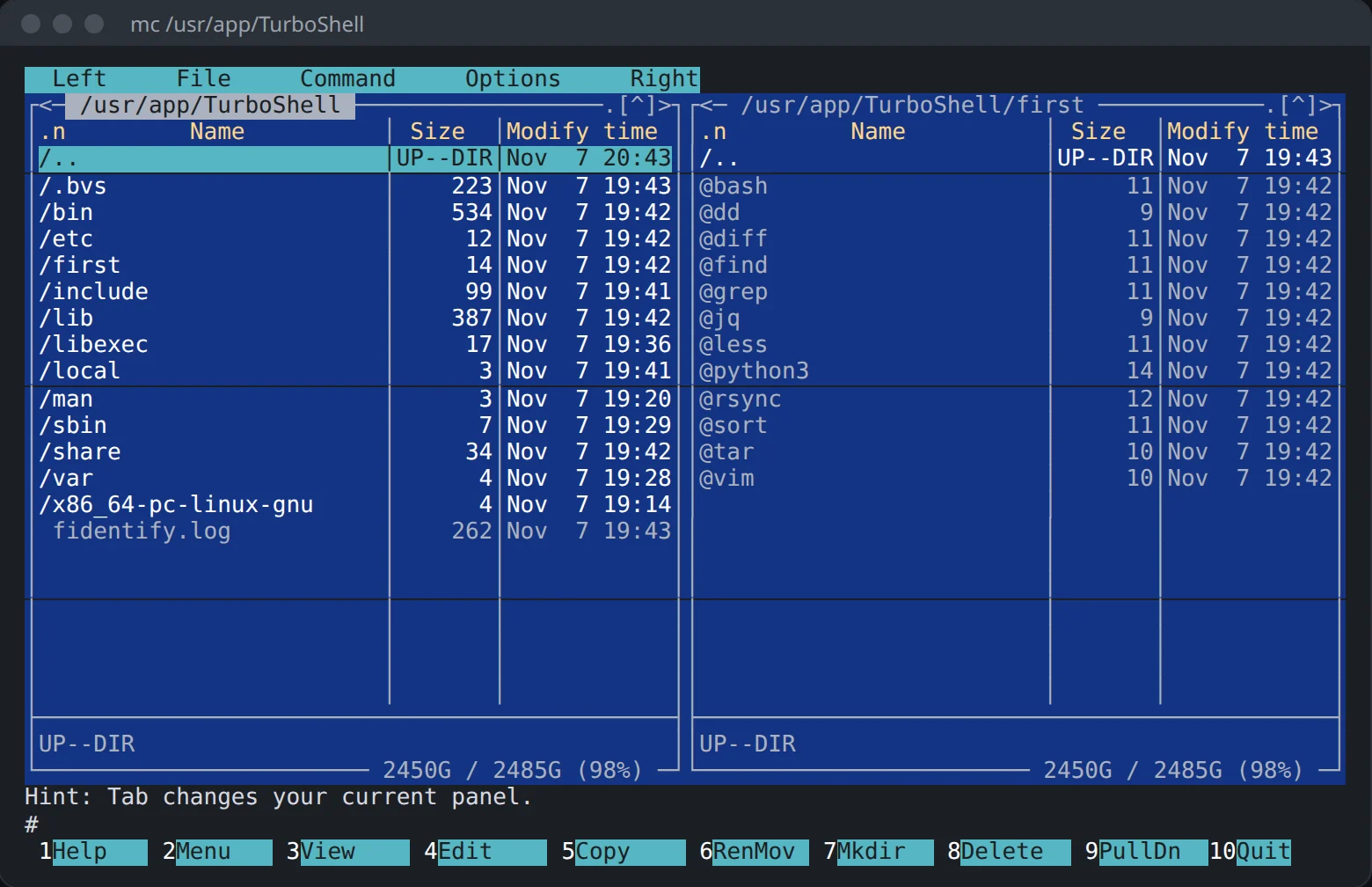
- Midnight Commander, with mcedit and mcview
- nano
- the GNU editor
- vim
- with xxd for hex dumps
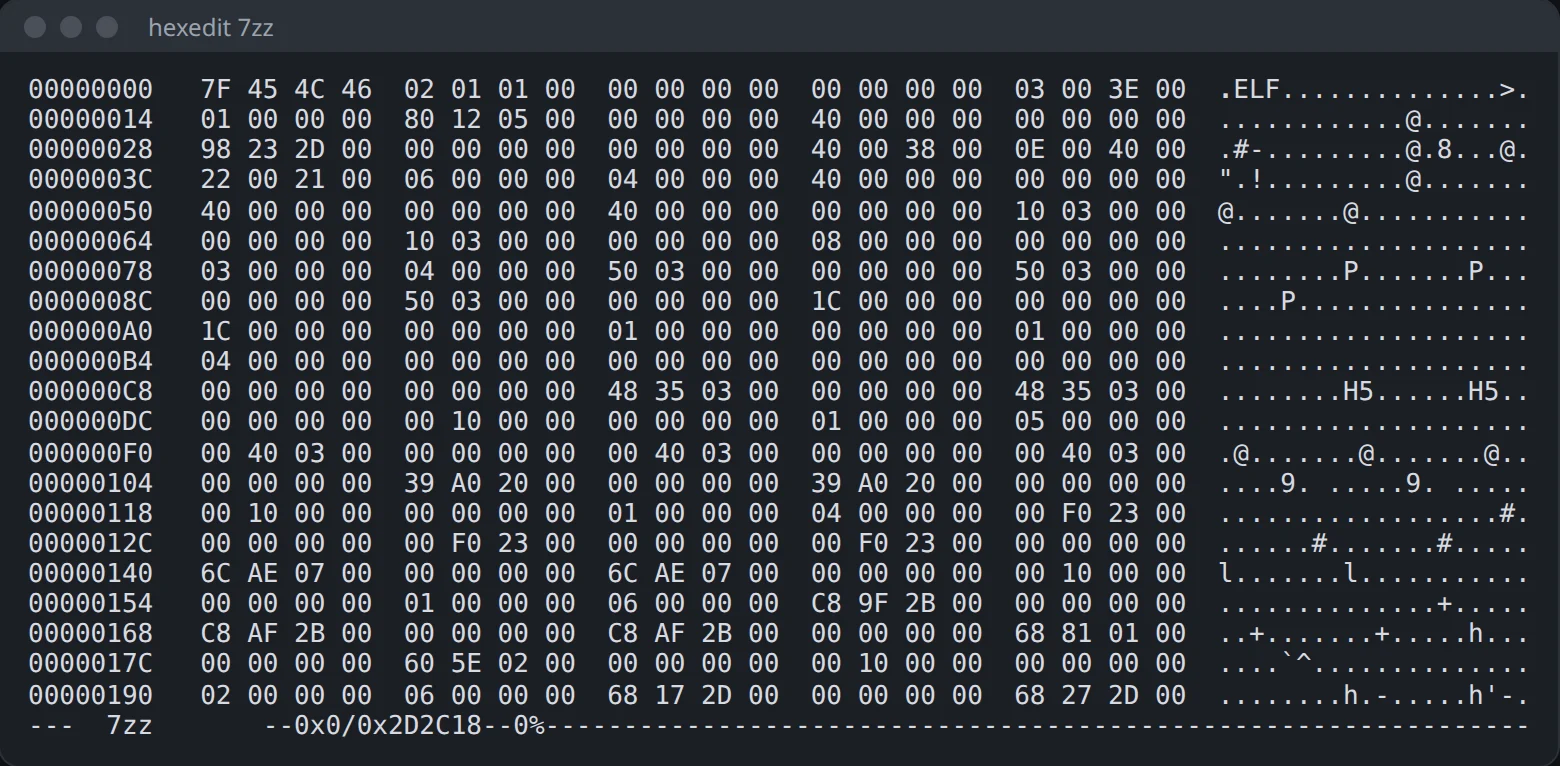
- hexedit
- hex and ASCII side by side
- bvi
- binary editing with vi commands, and bmore
- Nerd Font
- DejaVu Sans Mono with Powerline and icon glyphs
Languages
- perl
- with its core modules
- python3
- with pip and the standard library
- lua
- with its compiler luac
- fpc
- Free Pascal, with its run-time library and packages
- bwbasic
- Bywater BASIC
- yabasic
- yet another BASIC
How it looks
Real screens from a QNAP NAS with the package from App Center.
Who it helps
You work on the NAS over SSH
Pick zsh or fish as your shell, and keep long jobs in tmux, where they carry on after the connection drops.
You sort and unpack files by hand
Midnight Commander gives you two panels in the terminal. 7zz, unrar and bsdtar unpack 7z, RAR, ISO and CAB files.
You write small scripts and programs
Perl, Python 3, Lua, Free Pascal and two BASICs run on the NAS itself, each by its name.
Install it
- Add this site's repository to App Center once: the three steps.
- In the repository's list find (example) TurboShell and press Install.
- Turn on SSH in Control Panel › Network & File Services › Telnet / SSH.
Start it
TurboShell has no window of its own: you run it from a terminal. Sign in over SSH as admin and call a program by its name.
ssh admin@192.0.2.10   # your NAS's address
mc                     # Midnight Commander
tmux                   # a session that survives a dropped connection
Good to know
- In a shell you type into, the package's rsync, bash, tar, jq, python3, vim, less, grep, find, sort, dd and diff run before QTS's copies, which refuse everyday options such as
tar --zstd,sort -handgrep -P. - Other names QTS has stay QTS's, such as sed, awk, curl, ssh and screen. The package's copy runs by its full path:
/usr/app/TurboShell/bin/sed. - Scripts, cron and a command given straight to ssh keep QTS's commands. From another machine, name the program:
rsync --rsync-path=/usr/app/TurboShell/bin/rsync. - On a QNAP NAS
ncis QNAP's Notification Center tool. Usesocat, orncatfrom SysMon. - UnRAR is freeware, not open source. Its licence lets you use it and pass it on, but not use its code to make a RAR-compatible archiver.
Change it and build it again, whenever you want
TurboShell is an example from Bucket & Code Server IDE, our free development environment for QNAP. It compiles each program from source on your own NAS and packs the result as a QPKG.
From the panel
- In Bucket & Code open Apps, then the Examples tab. Add Ubuntu 24.04 builder (full) if you have no builder environment yet.
- Press Use this example on TurboShell (geek set 1). The app appears with its recipes, and nothing is built yet.
- Press Build, then Activate. Export makes a QPKG once a QDK toolchain is installed.
From a terminal
The Editor project TurboShell holds the same list in recipes.txt. Take a line out or add a recipe from the library, then run this in the Editor's terminal:
make app        # makes the app from recipes.txt
make build      # builds it and follows the job
make activate   # /usr/app/TurboShell now points to the build
make qpkg       # exports a QPKG (needs a QDK toolchain)
The first build compiles every recipe with its libraries and takes a while. A later make build rebuilds only the recipes whose sources or build scripts changed. The project also has a Powerline-style tmux status line: make dotfiles copies it to your home folder, and make font copies the Nerd Font for your computer.
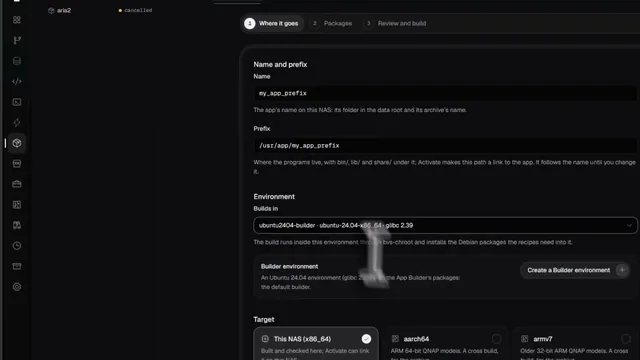 See it done in Bucket & Code
Compile Any App You Need Without Linux Skills: Build QPKG & Deploy Easily (Freeware)
8 min on YouTube