| |||||||||||||
| |||||||||||||
Your own services
| |||||||||||||
 | |||||||||||||
 | |||||||||||||
|
QNAP Club / QNAP Utilities Hey there, QNAP fans! A home server has one odd trait: we appreciate everything it does even more when we happen to be away from home. Your own website, a news reader, an app for work, a project left compiling. It all runs nicely on the QNAP, while we stand somewhere with a phone and remember that the panel we need is in the browser bookmarks on the computer. The computer, of course, stayed at home too. Along with the comfy chair and the firm belief that we wouldn’t need anything else today. In earlier issues we set up our own corner of the web on the NAS. Today we take the keys with us.
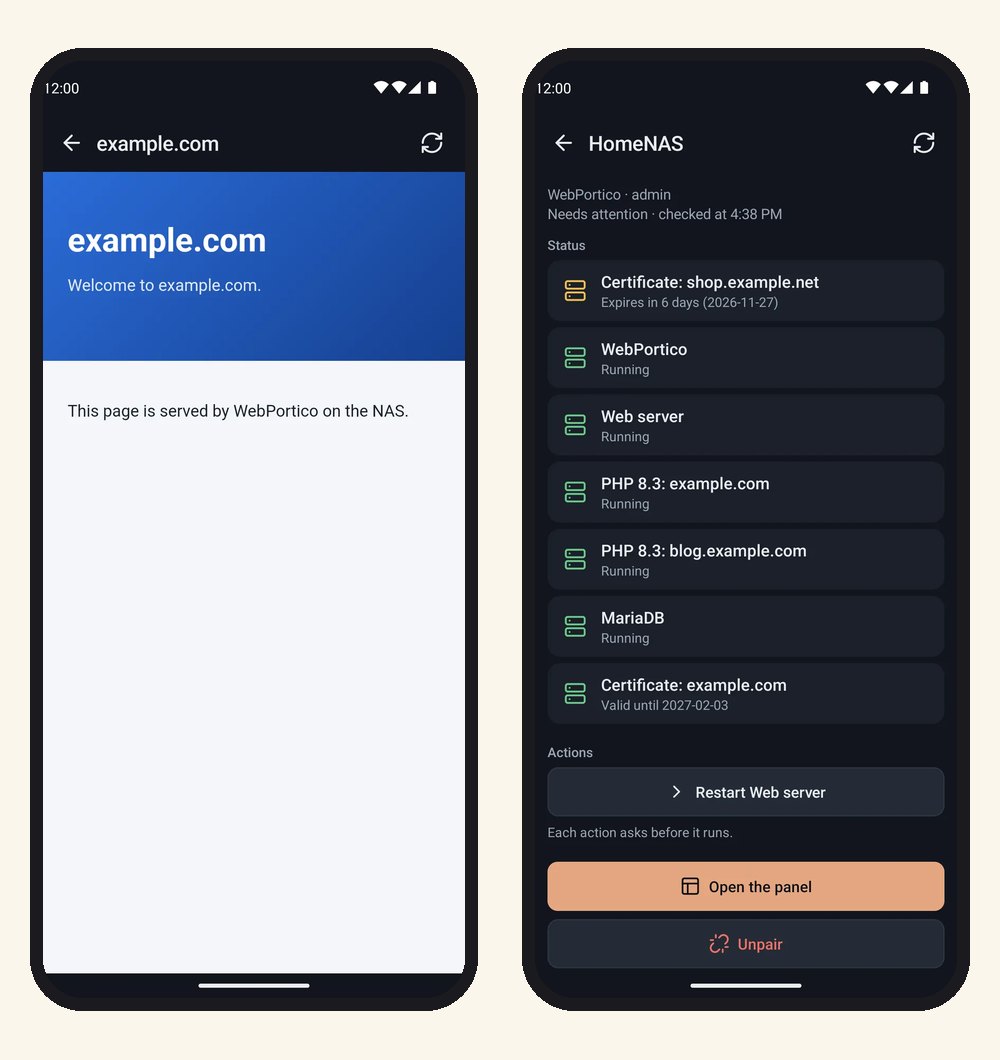
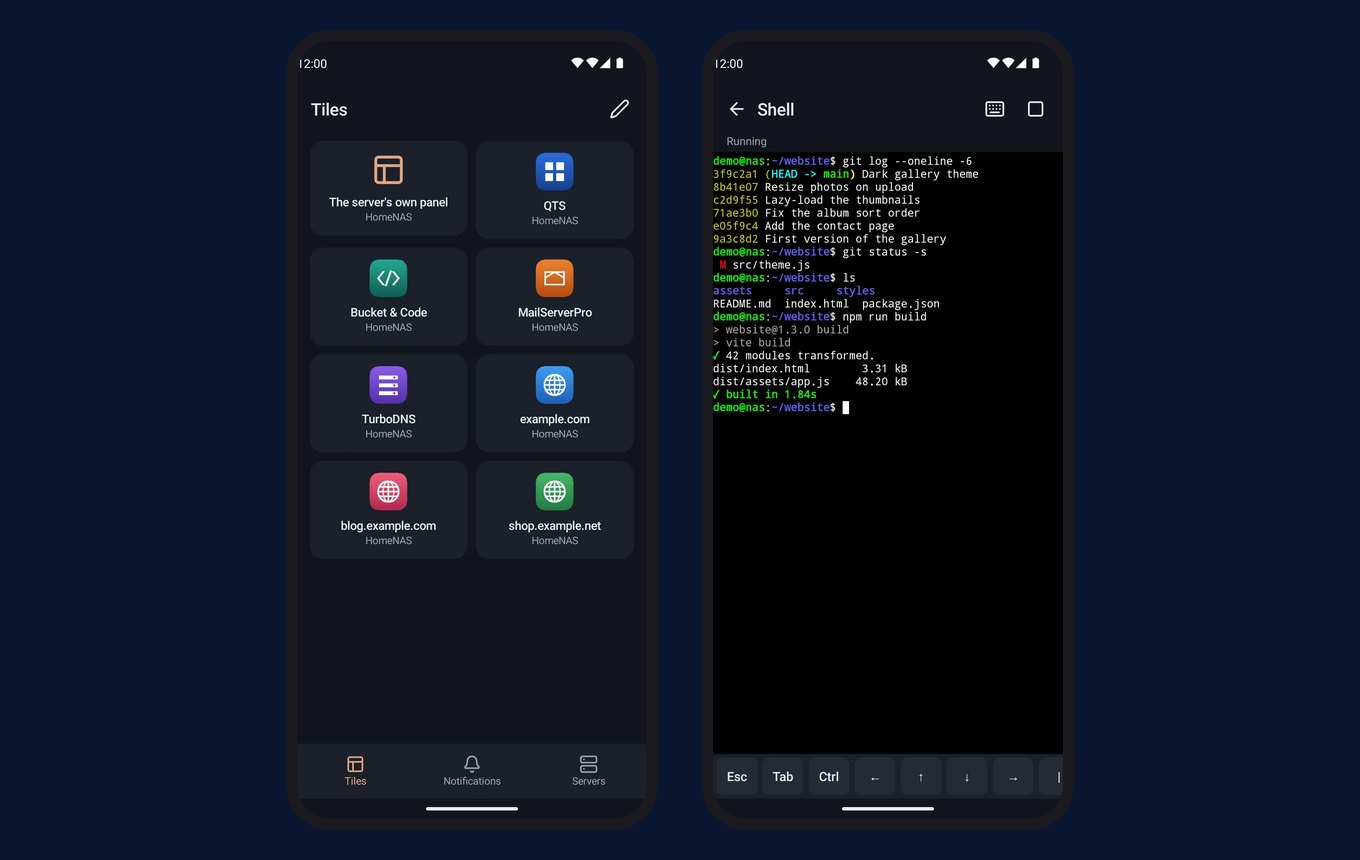
RePortico connects your phone to WebPortico. You pick the sites and apps you want at hand, and their tiles appear on the screen. One grid can also hold several paired servers. Tap an item and your service opens. This comes in handy on a perfectly ordinary day, when you want to look into your own app. It also helps when the day stops being ordinary because someone has just written: “It doesn’t work for me.” In the Servers tab you can check WebPortico’s latest status reading and the time it was taken. The available actions let you, for example, restart a chosen service, after you confirm. First, though, it’s worth finding out what actually needs help. The restart button has plenty of fans, but it hasn’t learned to read minds yet.
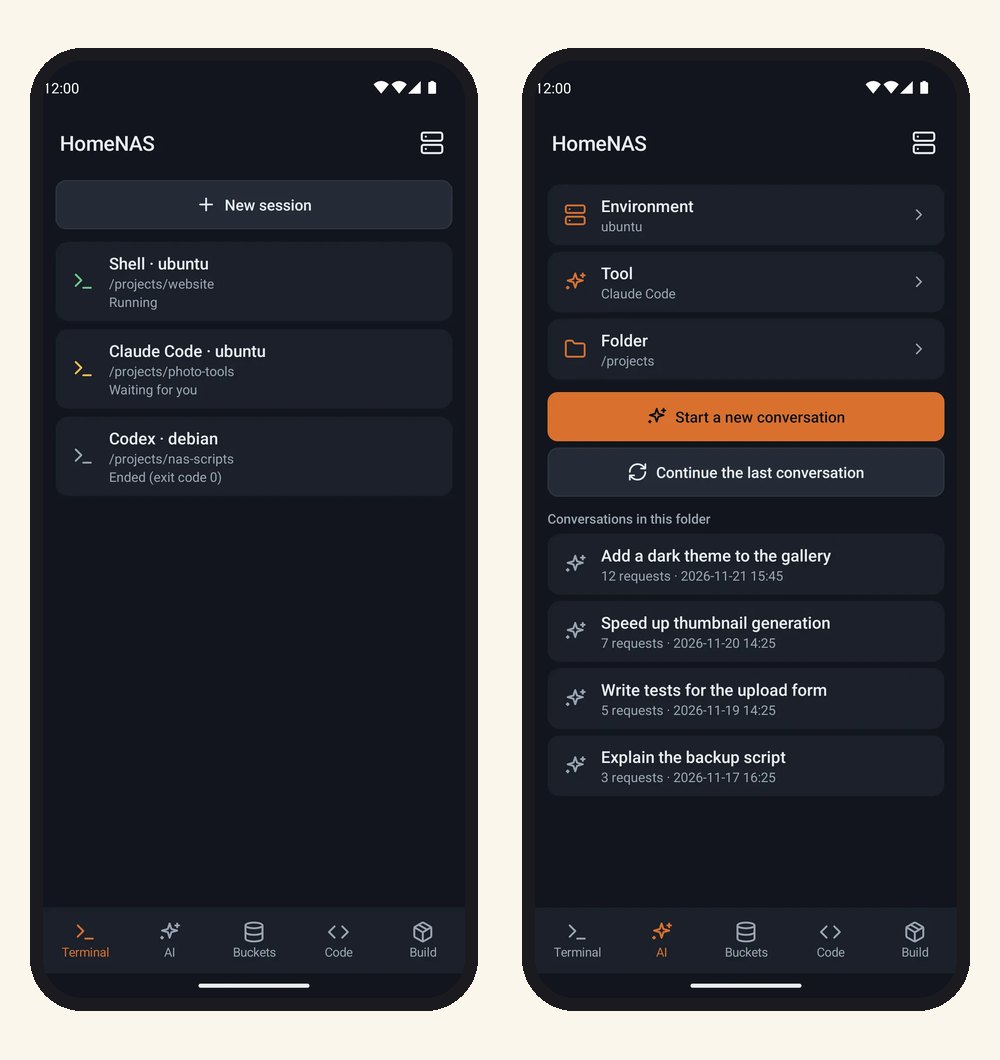
A chapter of its own goes to those who also build software on their NAS. Bucket & Code Remote gives you terminal sessions and the AI tools working on a project. An agent can spend a good while analysing code and then stop at a question that needs your decision. Right when you’ve stepped away from the desk, of course. From the phone you can go back to the conversation, see what it’s about, and answer. The session runs on the NAS, so closing its view on the phone does not end the work. That small detail can save more time than yet another impressive number in a hardware spec sheet.
The first pairing happens on the home network, with a QR code from the panel. Then it’s time for remote access and a test over mobile data. Do that test while you’re still at your desk. A bench at the train station is not the best spot for setting up a router for the first time. In today’s column we look under the tiles: we explain pairing, the role of certificates, how the “deaf” port behaves and what part the router plays in all this. There’s also the terminal that keeps working patiently at home while its owner has other things to do.
Earlier issues to go with your coffee: QTS 6 and beyond · Night of the Living Servers · A green light for Android
| |||||||||||||
|